Presented by Jeff Hensel on March 14, 2019
Attendees: 15
Jeffs Frequently Used Smartphone Apps 2019
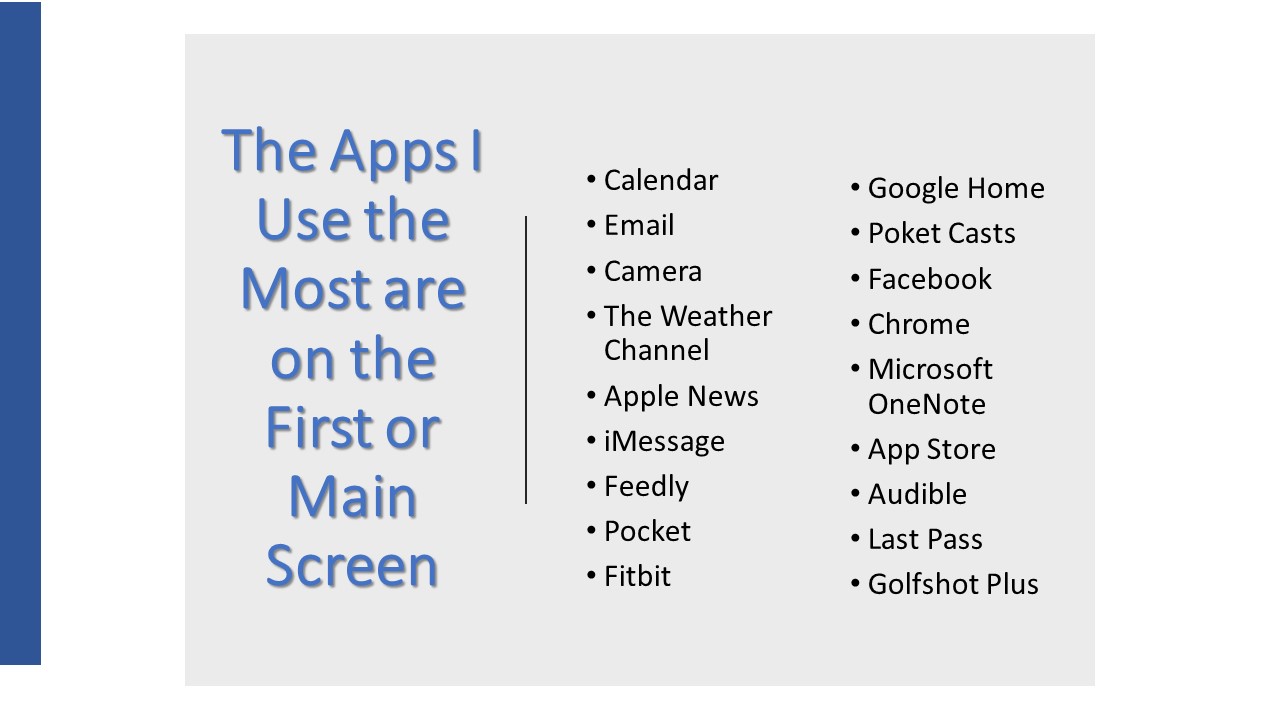
This is all about the apps I use most frequently. It’s not because they are the most popular or best apps but a personal opinion.
A bit about me. I have a vision disability so I need apps I can see well or have the ability to enlarge their text for me to use them.
I don’t play games on my phone so please don’t be offended if you don’t see any.
And lastly, although I use an iPhone, virtually all of these apps are in the Google Play Store to work on an Android phone.
These are apps I use at least once per day. Well, virtually all of them.
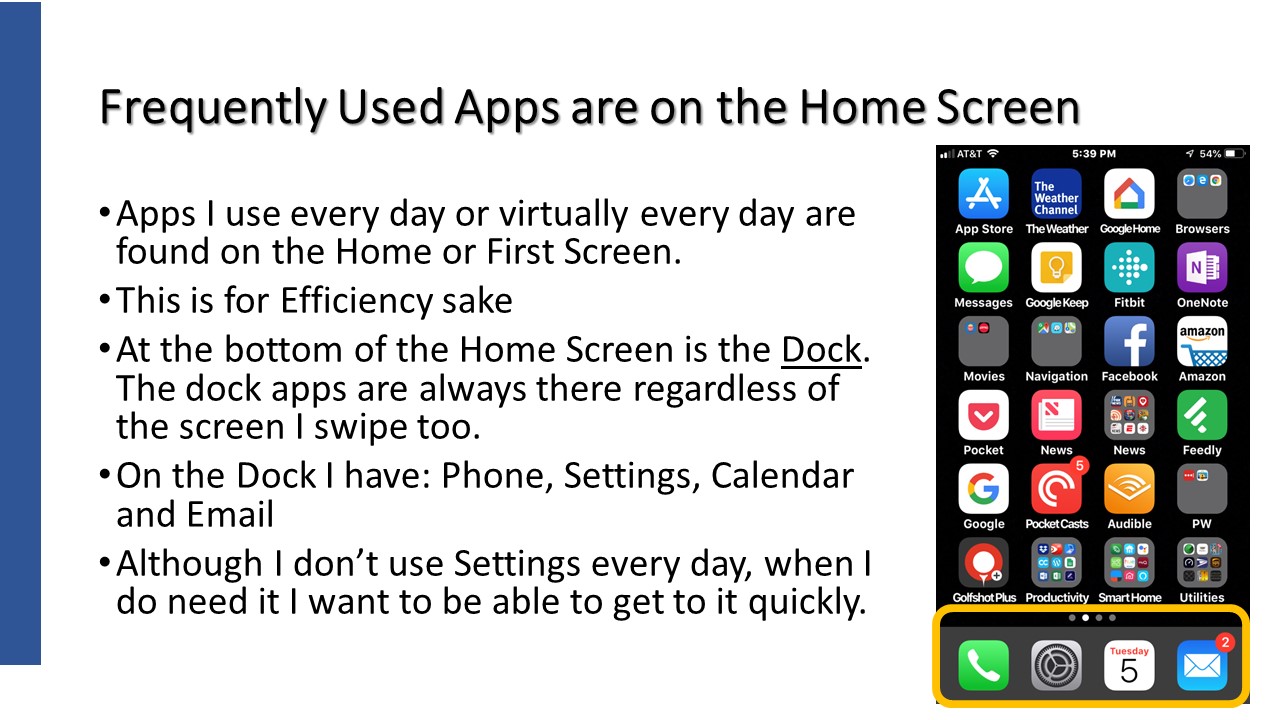
The Home, or first screen, is where I keep my most used apps. Start the phone and there they are.
The dock or space at the bottom of the screen is the top 4 for me.
And lastly, I must mention that I have some folders on the home screen to easily get to some more apps.
I won’t talk at length about all of the apps in folders but will mention most of them.
In fact, I’ll talk about ov 20 apps so let’s have some fun!
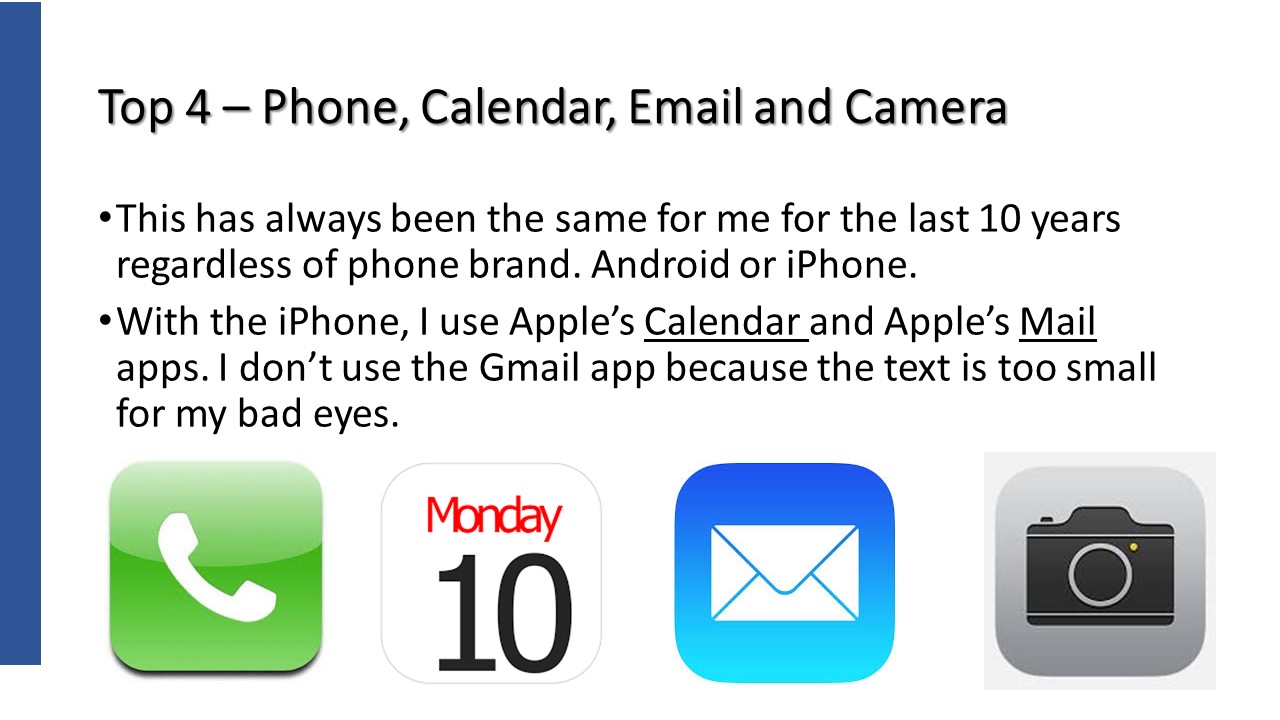
What can I say beyond showing these 4 icons.
This is a phone right!? I use it a lot too. I can get to iMessage for texting from the phone app too. I have a list of favorite contacts so I can get to them without having to open the address book.
Even after my work days I live by my calendar. I make calendar appoints for EVERYTHING. Well, almost everything. Grandkids birthdays are the biggies but I also have calendar appointments, with reminders, to take out the trash and to bring in the cans.
Emails is critical for me. I might be addicted because I check it so often.
And then there is the camera. Not only do I take pictures of stuff but I use it as a magnifying glass . Food preparation instructions is the most common.
I’m always checking the weather especially to make sure it isn’t raining on a gold day. But I like to check weather conditions in other cities where family resides. Oh, and I love thunderstorms and rain.
I’ve been a Fitbit users for over 4 years now as it encourages me to walk regularly. I do my very best to get 5 miles in every day with at least 30 minutes where my heart rate is very active. I’ll even wear it during sleep to check on how I have slept. I know, I should know this when I wake up but I love to check anyway.
Unfortunately, I look at texts too much but it’s a way of live for many of my kids and grand kids. An app that is one of those necessary evils.
Even with a vision disability, I like to ready but must have large text to do so. Here are my big 3. This excludes books but I have an app for that later on.
I’ve found that the Apple News app works very well for national news. Text is large and I can curate news sources. I read the news in the morning and evening.
Feedly, on the other hand, is an app where I choose topics and the app delivers anything that fall into those topics. Topics like technology, golf, news headlines, etcl. I read the headlines and then decide if I want to read the rest of the article. I get about 300 articles per day but I certainly don’t read all of the details.
Pocket is a must for my reading pleasure. It’s and app where I send news articles to and Pocket strips out the advertisements and sets the text to the size I determine and presents it to me. I can even save articles for later use or to share.
A bit of an eclectic group here.
I have a Google Home speaker (3 in fact) that I use to set timers, recite the weather or play music. I have the Google Home app where it holds my shopping and to do lists. The speaker and app work together as I can say “Hey Google, add eggs to my shopping list” and it does.
Pocket Casts is an app for Podcasts. Podcasts are recorded radio shows. I subscribe (not paid but receive regularly) to 9 podcasts. One is daily while the others are weekly with 2 being monthly. Again, I search out the topics and get to listen to them at my convenience. NOTE: Pocket Casts is a paid app that cost me a whopping $5.99. Not per month or per week but $5.99 in total.
Although this is an Apple iPhone, I mostly use Chrome as the bookmarks in Chrome on my PC are synchronized to my iPhone so it is my mobile browser of choice. OK, I still use Safari too.
OneNote has been part of Microsoft Office since 2002 and I’ve used it since then. It is my note taking app and the place I save information from the myriad of things I encounter on the computer. I plan things using this app, manage projects and where I keep notes on all of my tech hardware. I even plan vacations in this app. OneNote consists of Notebooks,. Notebooks have Sections and these sections contain paiges.
The App Store app isn’t used every day but multiple times per week. Wait, I don’t get apps that often but I do check when apps are updated and check out for any new features.
Remember books, Audible is my book app. I don’t read books…I listen to them. I really, really enjoy listening to books while I go for walks. In fact, the main reason I go for walks is to listen to a book.
Last Pass is my current Password manager app. I still use Ewallet have have been bringing Last Pass up to speed and will fully switch to it within a month or so. The next project is to have my wife switch too.
I’m a golfer and Golfshot Plus is the app I use to record scores for each rund of golf. I’ve been using this app since 2010. It’s costs $14.95 per year. This is pretty expensive as far as I’m concerned but I use it twice per week and it’s work the price to me. I can load golf courses from all ofer the world without any extra fee. Ok, I don’t golf internationally but I could.
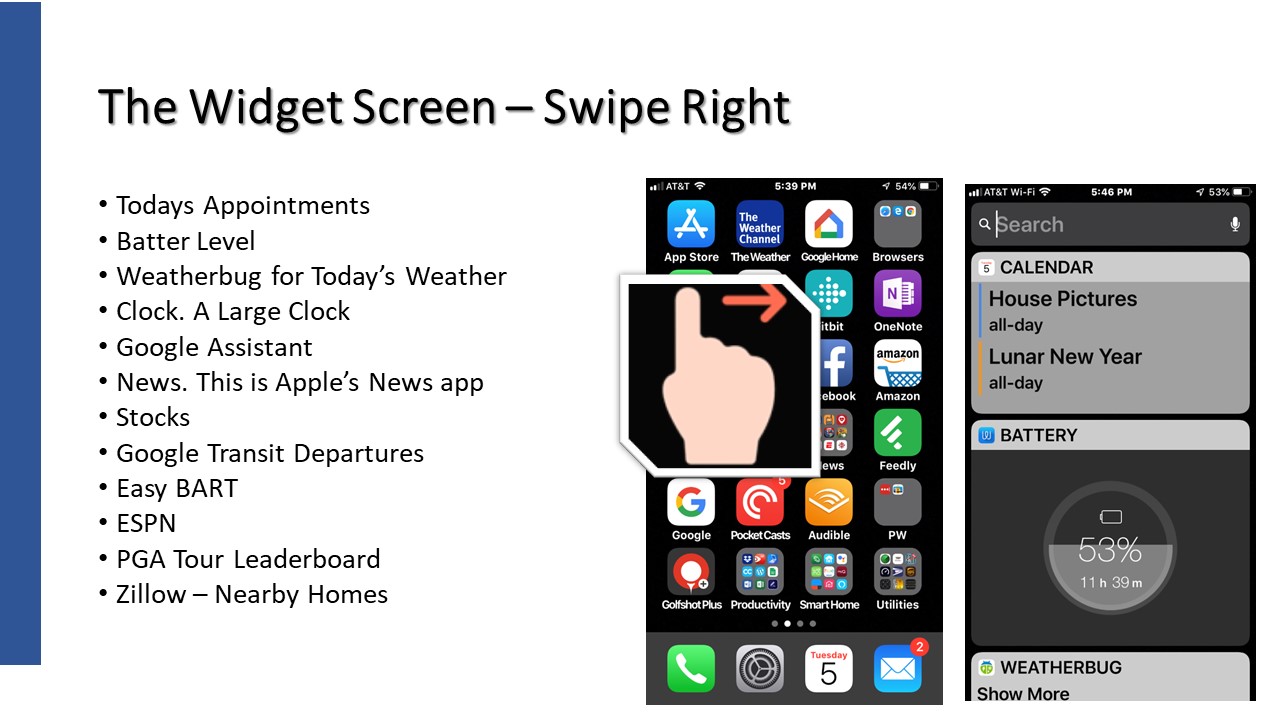
Let’s take a little side trip here and talk about the iPhone’s Widget Screen. Swipe right and you’ll see it. Android has a similar feature called Google Now.
The Widget Screen is a place where I can get to a variety of “one off” pieces of information quickly and easily.
Most of the above items are pretty self-explanatory but let me share a couple. Google Transit Departures shows me the arrival times of public transportation close to me. Tri-Delta Transit for Bus or BART. Easy BART does the same just for BART. I can be walking down to a BART station and this screen will showing arrival times for the different trains at this station.
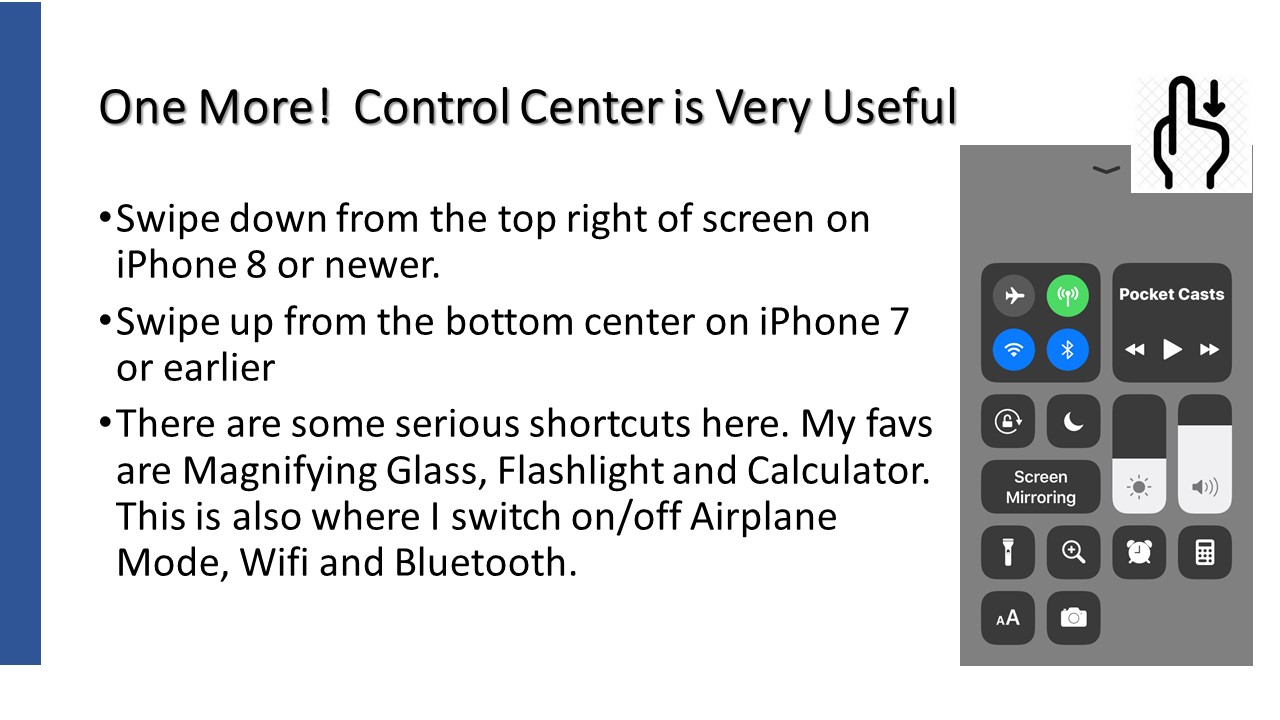
Another cool iPhone feature is Control Center. Here are a few critical short cuts I use quite often. Flashlight and Magifying glass are the most common.
Android has this by swiping down from the top of the screen.
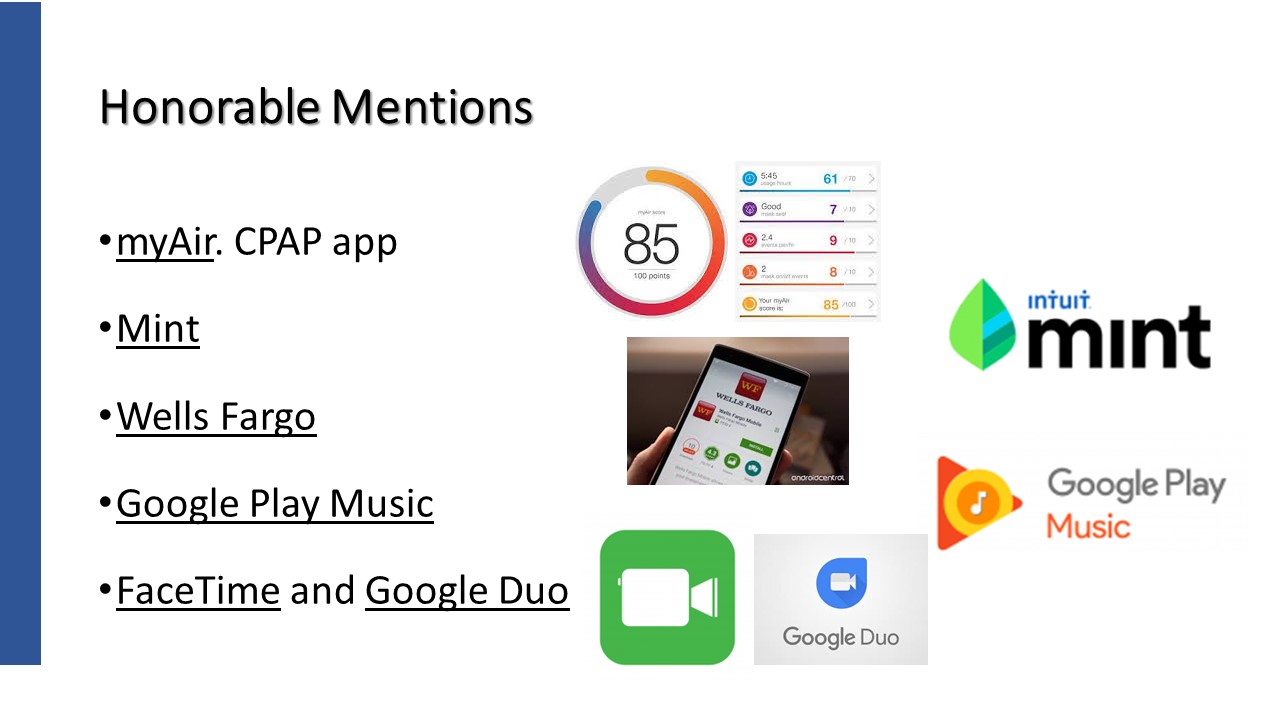
Not used everyday but frequently used none the less.
I have sleep apnea, as do many, and I use a CPAP machine. My machine records nightly sleep information and I can see it on an app. I get a number grade with 100 being perfect.
Mint is a new financial app I’ve been playing with. It’s free and also on the internet. It pulls transactions from my bank accounts as well as my main credit card. It categorizes and gives me the ability to manage a budget and track bills. There are no reports, just a simple tool to manage my money. It doesn’t meet all of my needs due to my wife’s real estate business but I think it will work just fine when working is in the past.
Virtually all of the major banks have an app and Wells Fargo is mine. I can check account balances, see when checks have cleared and even to online bill paying.
My music app is Google Play Music. No dramatic reason but right now it’s my app of choice for music.
Since I have kids and grand kids with iPhones and Android phones, I use both video phone calling apps. Yes, both apps can work on the iPHone.

One more time…please delete this email address from your mailings.