Presented by Jeff Hensel on January 10, 2019
Attendees: 21
Next Month’s presentation is: Learn about the different password managers and their features, including some demonstrations for Windows and Android (Mac & IOS will be similar). You should probably be using one! Presented by Mike Quinn.
Scams, computer, mail or phone, are not new but they are getting more creative and even dangerous.
We’ll talk about 9 SCAMS and what they purport.
Most of these scams will cost you big money and big time expense.
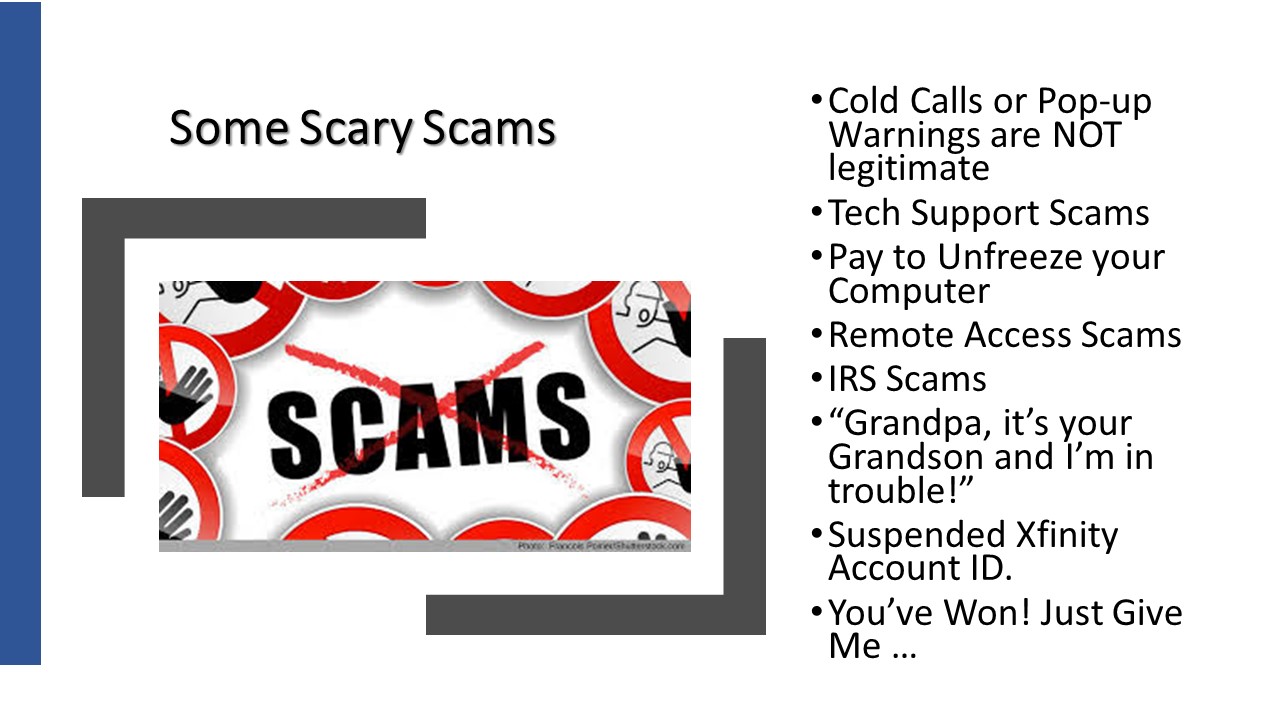 This list is NOT exhaustive either
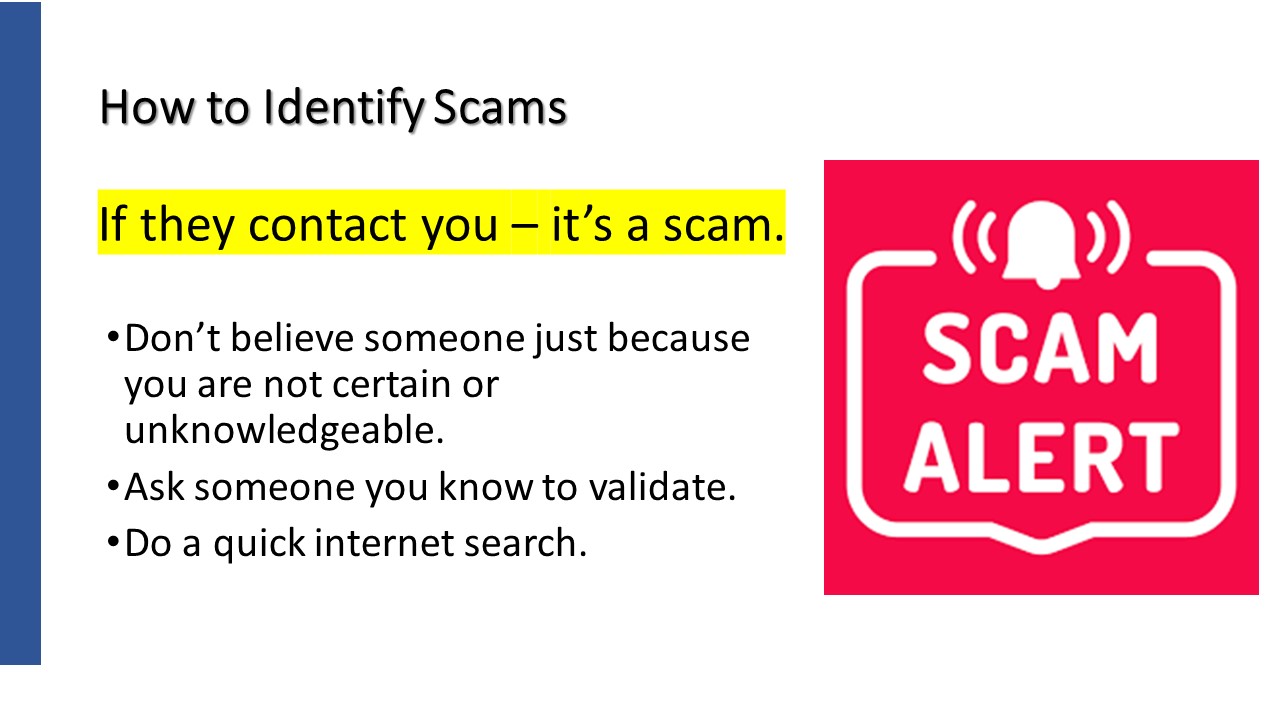
Look folks. If you start from the position that it is a scam right away, you will save yourself time, money and heart ache.
The number of valid contacts just like scams are so few that if it very safe to first start from the point of view that the contact is a scam.
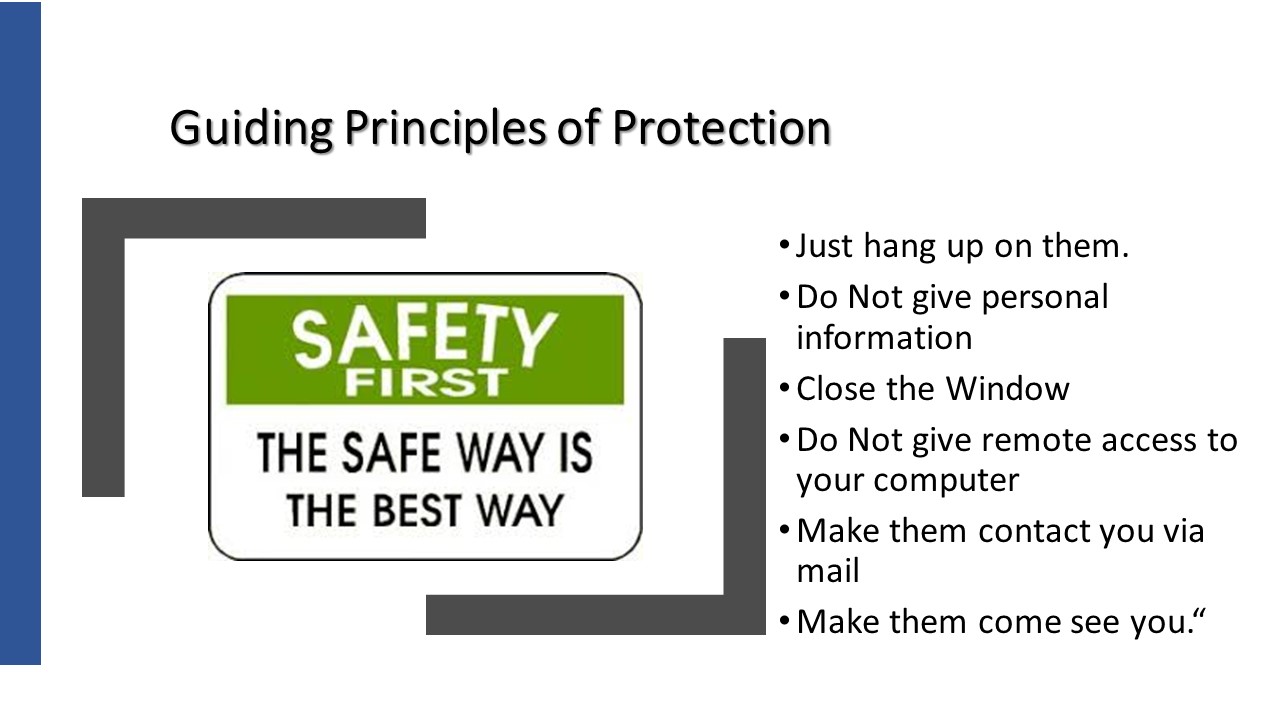
Ask a friend of someone you trust.
Do a little investigation on the internet.
Make them contact you via mail.
Make them come to you so you can see their credentials.
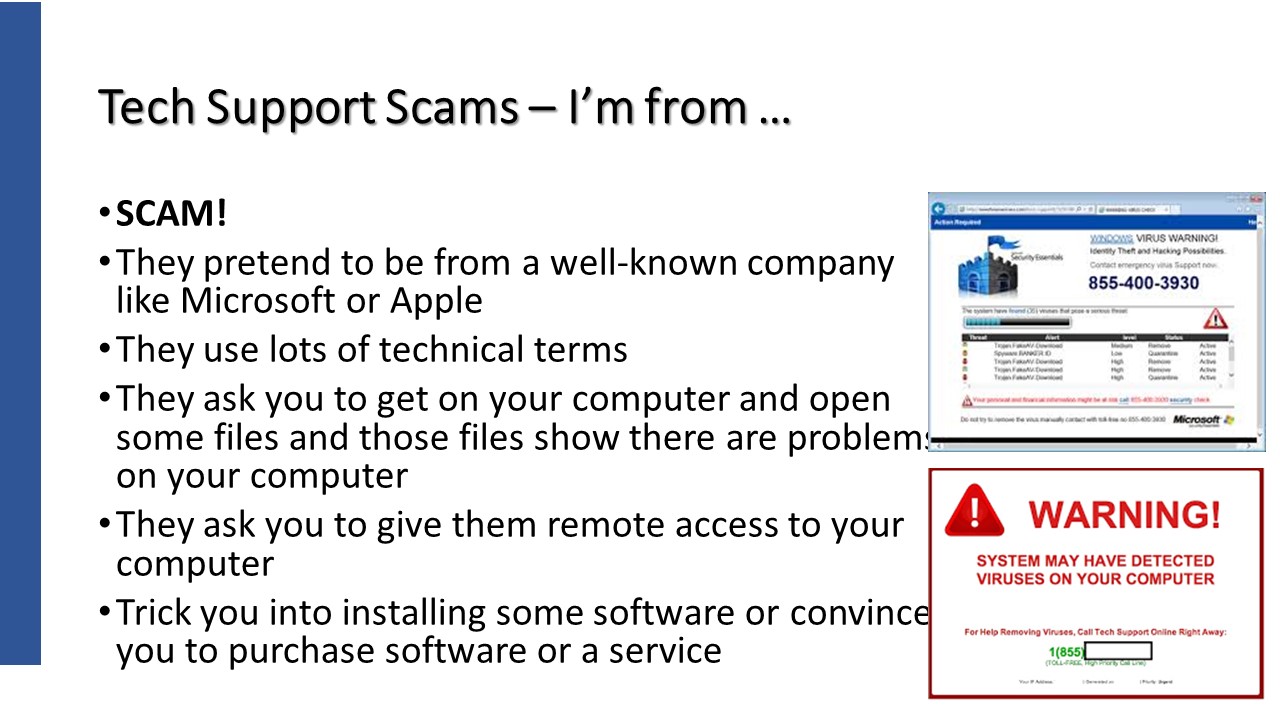
https://www.consumer.ftc.gov/articles/0346-tech-support-scams
Microsoft Support – https://support.microsoft.com/en-us/help/4013405/windows-protect-from-tech-support-scams
Microsoft Windows Tech Support Scam Call! Full Call Recording!
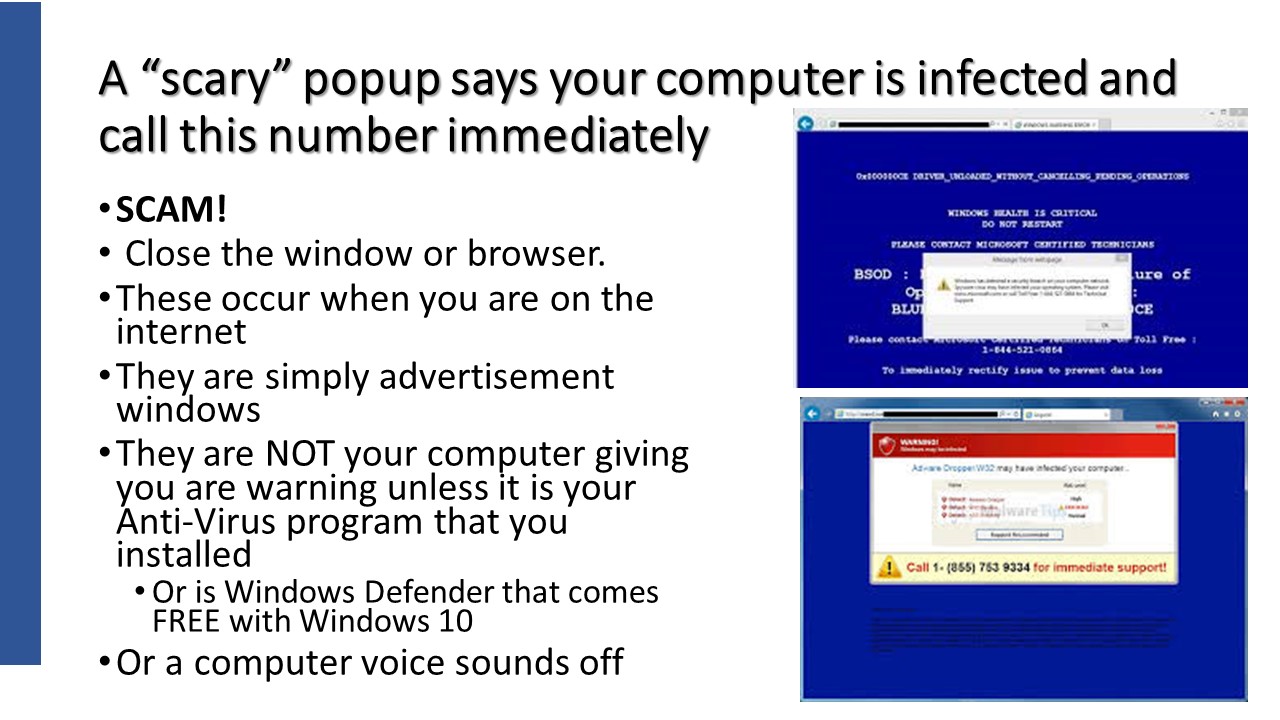
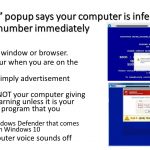
Simply close the window or the browser tab. That’s it!
If there is no ‘x’ in the upper right corner that allows you to close the window, you can “force” close the program by using the Task Manager.
Use Alt + Control + and Delete key > Select Task Manager > Click on the program to close and Choose Enable in the bottom right corner.
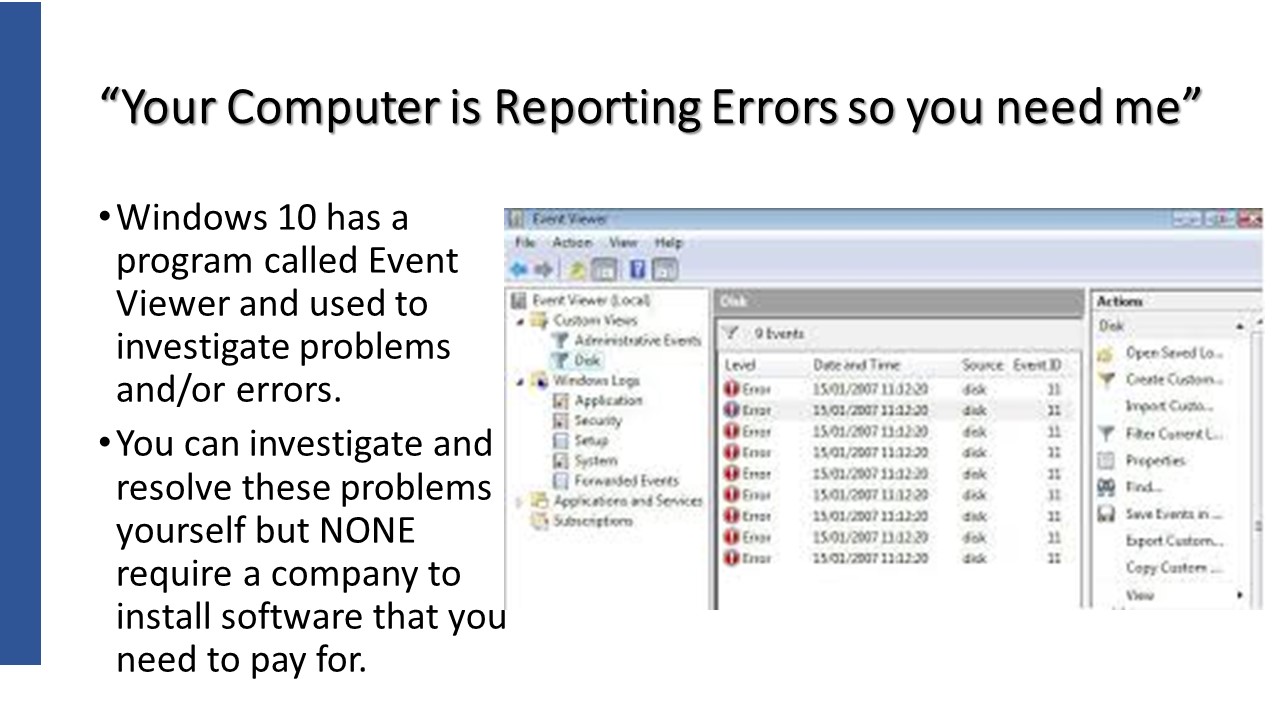
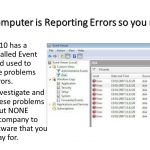
This is a picture of a small Windows program called Event Viewer. It is used by technical people and Windows’s repair programs to evaluate and repair situations behind the scenes within Windows. It is not something we “regular” people would need to be concerned about at all.
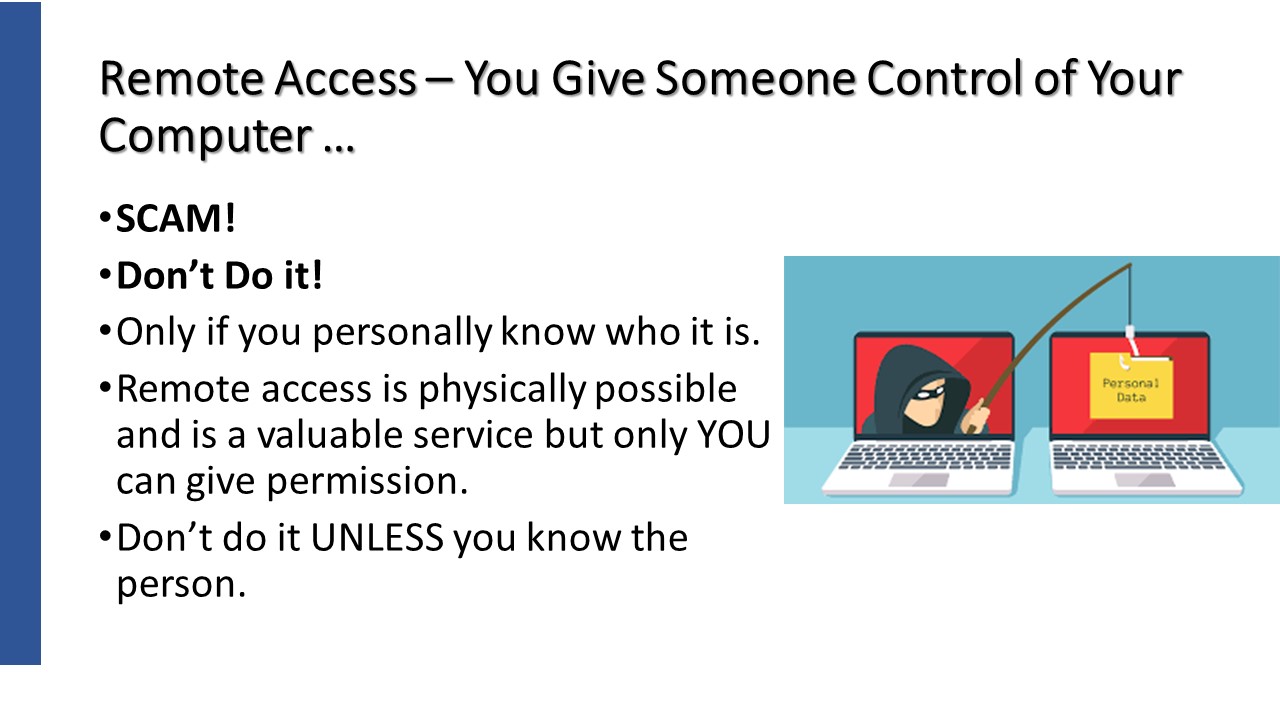
Protect yourself from tech support scams — Microsoft Support
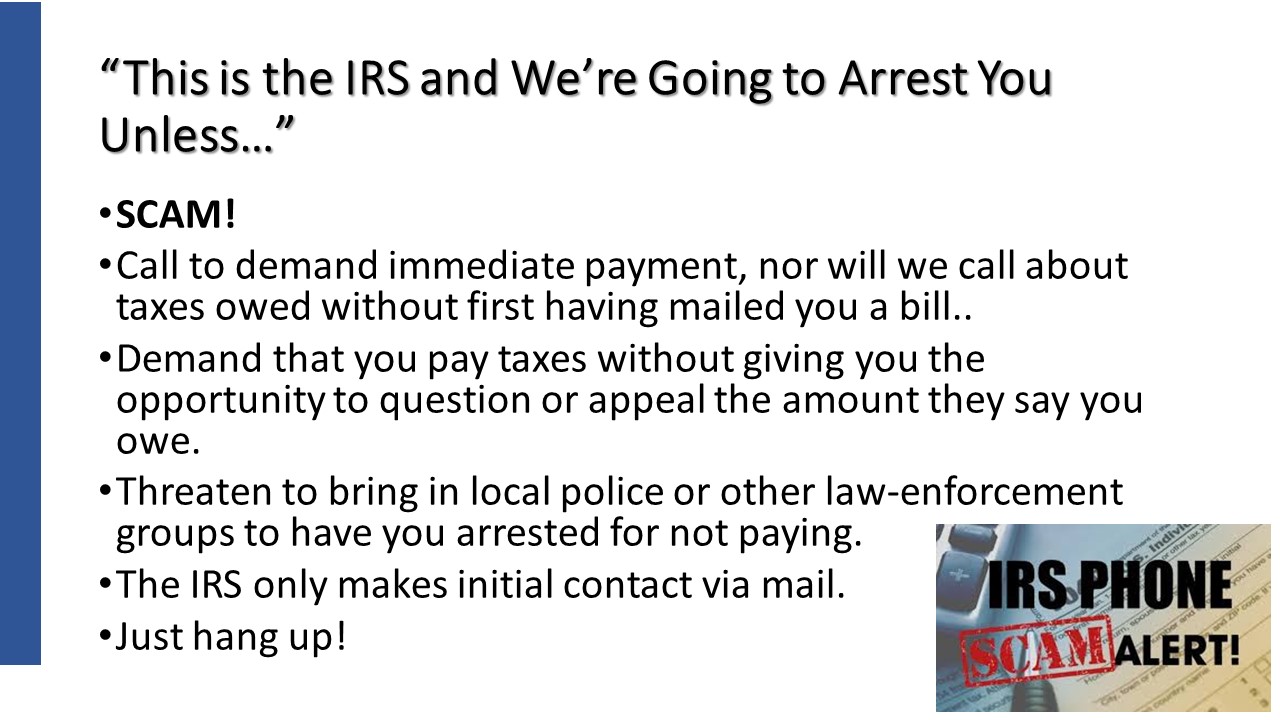
IRS Identifies Five Easy Ways to Spot Suspicious Calls
Worried about the latest IRS Scam
https://support.microsoft.com/en-us/help/4013405/windows-protect-from-tech-support-scams
Microsoft does NOT reach out to you in person for any reason.
Virus notifications from from Windows Defender ONLY or your currently installed anti-virus program.
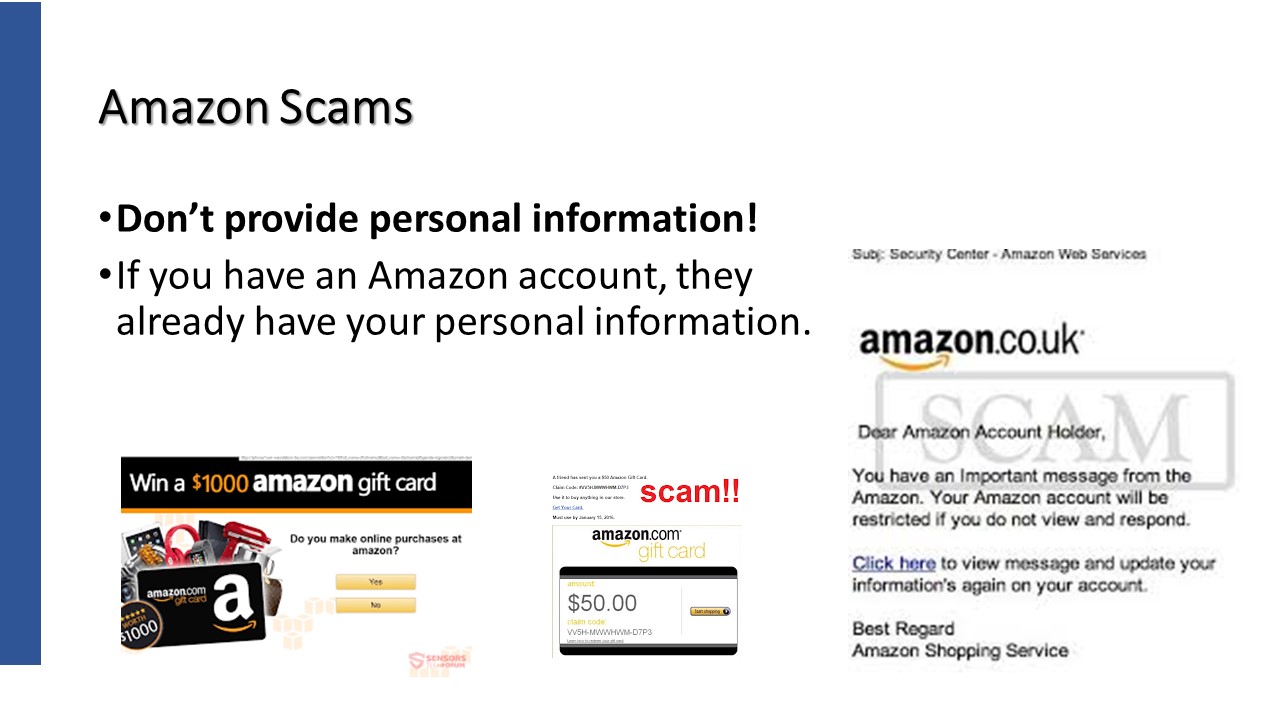
Amazon Scam. Email saying “Your recent order cannot be shipped”. Click a link to re-enter your personal information and credit card.
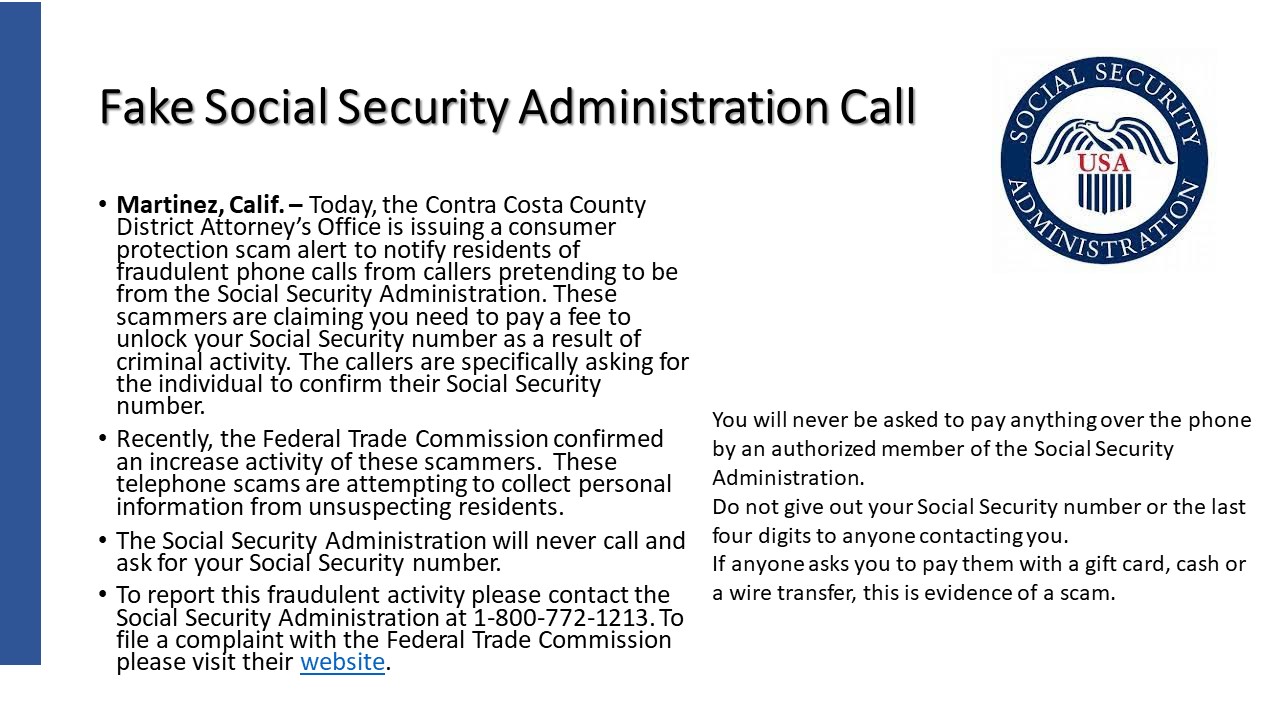
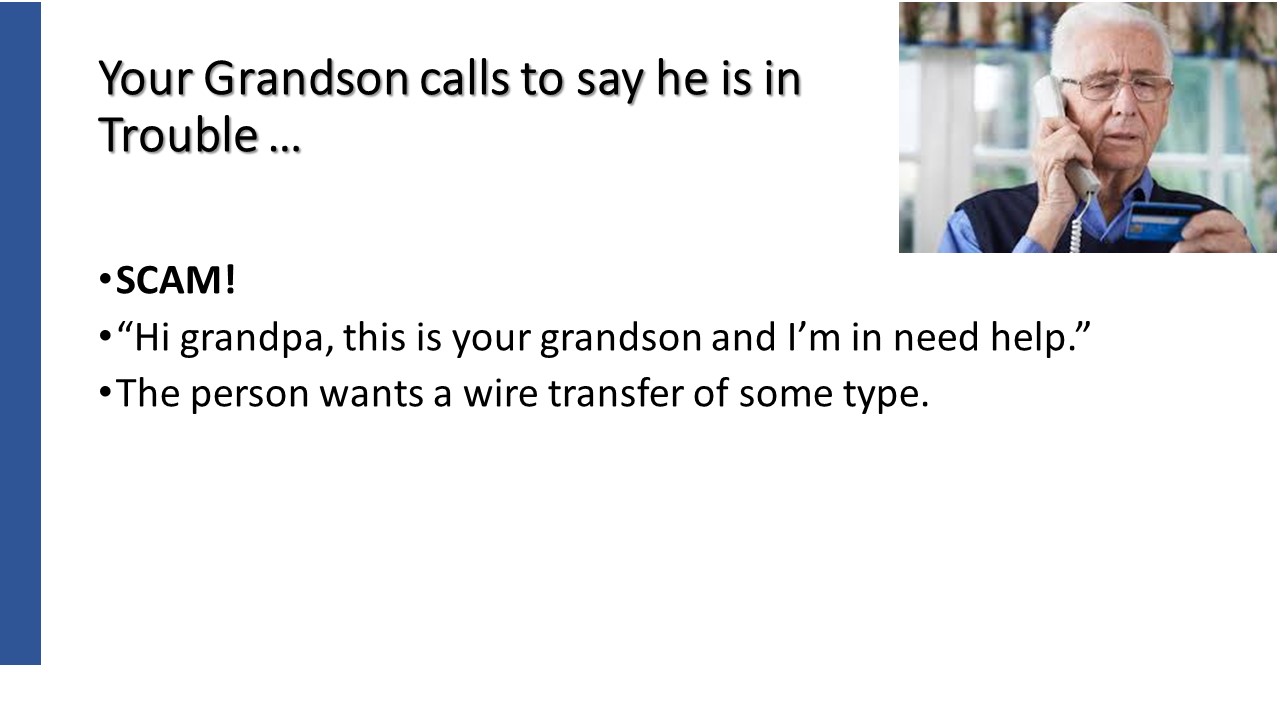
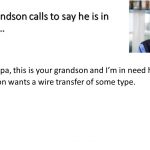
You think it’s your friend calling, but it’s actually this growing phone scam
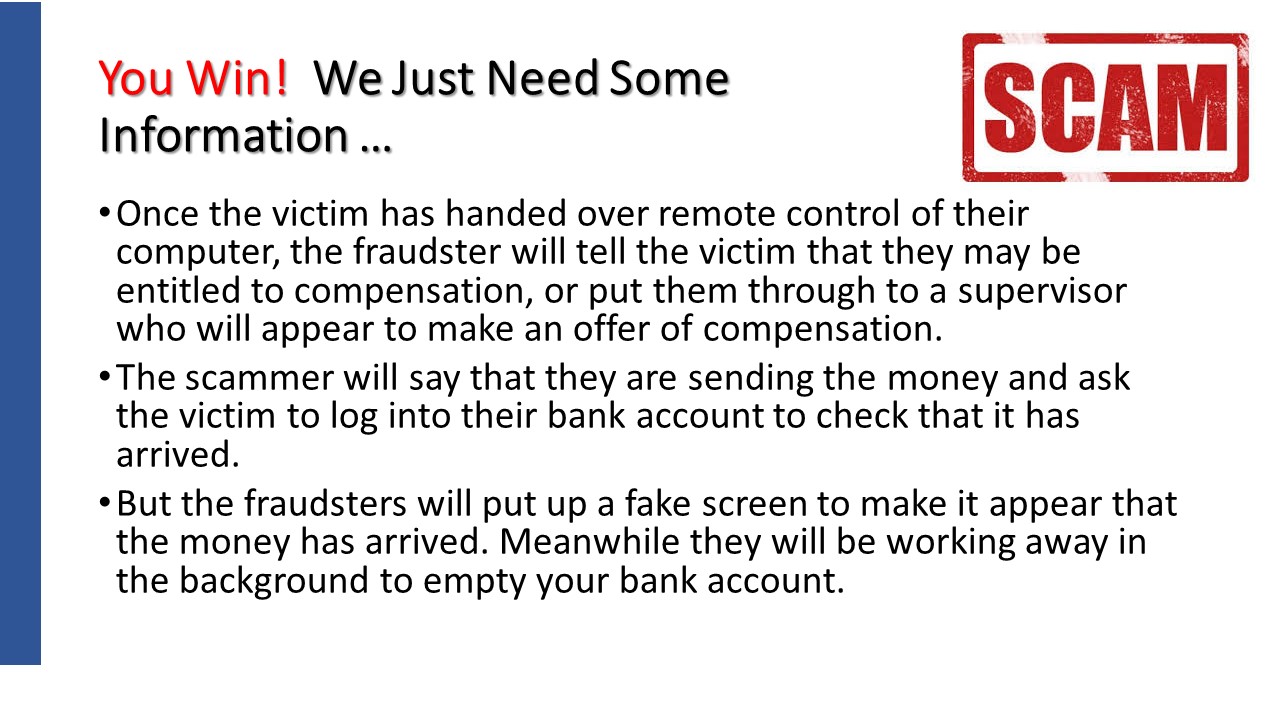
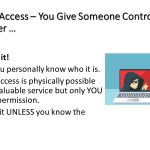
Beware the new breed of computer takeover scams
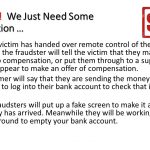
You are entitled to compensation / refund and will put it into your account. Need account information.
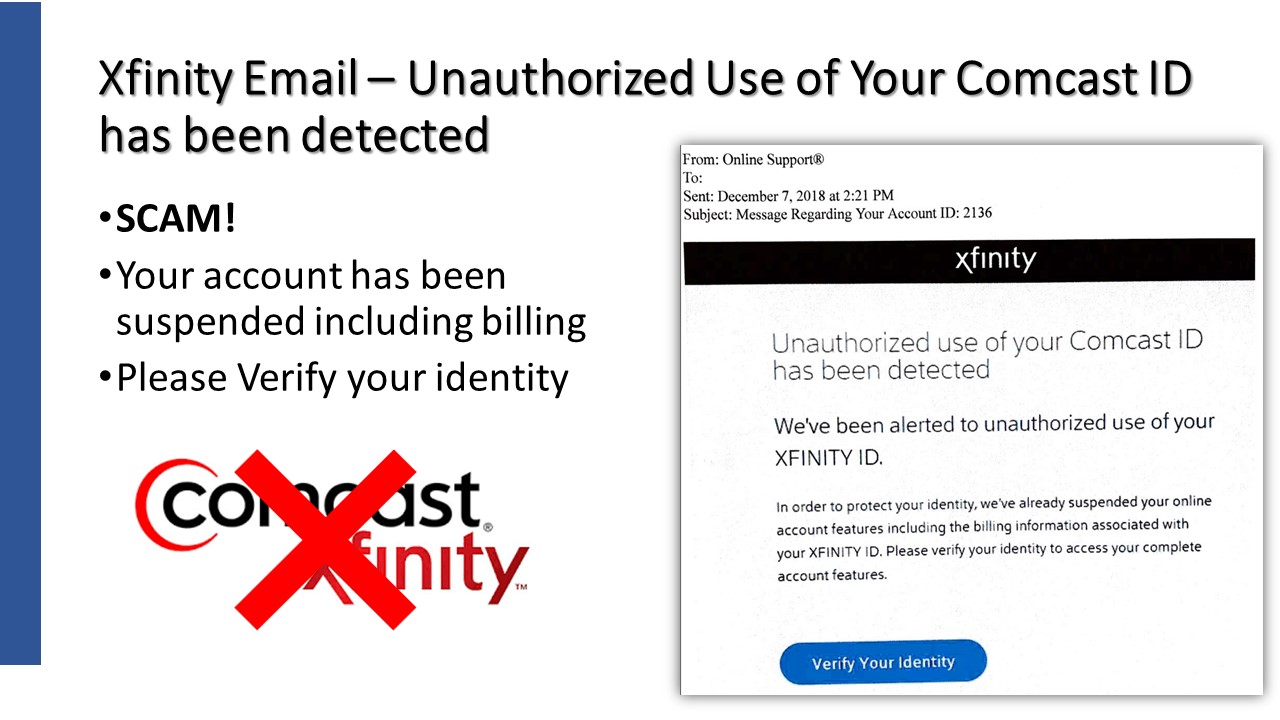
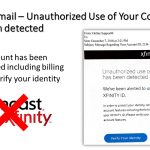
This is an email send to a relative of mine during December of 2018. It is a total scam.
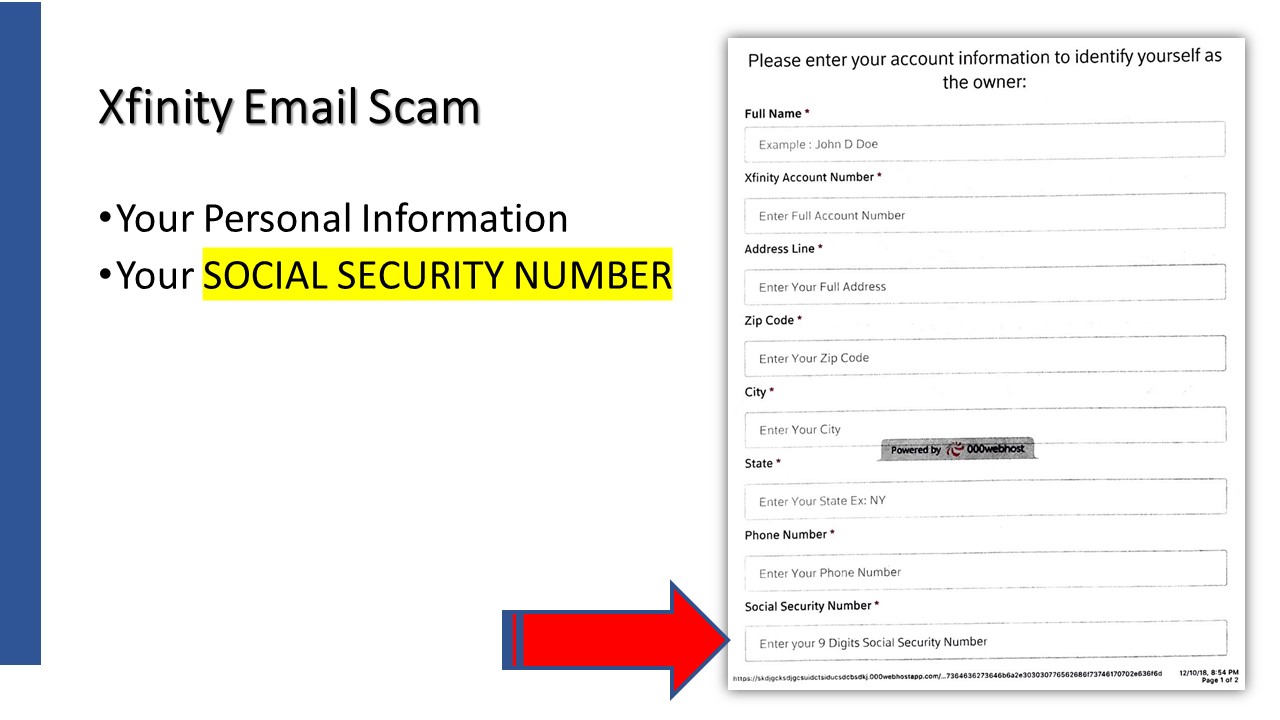
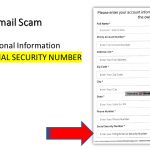
Holy smokes. They want your Social Security Number! Again, Don’t do it!
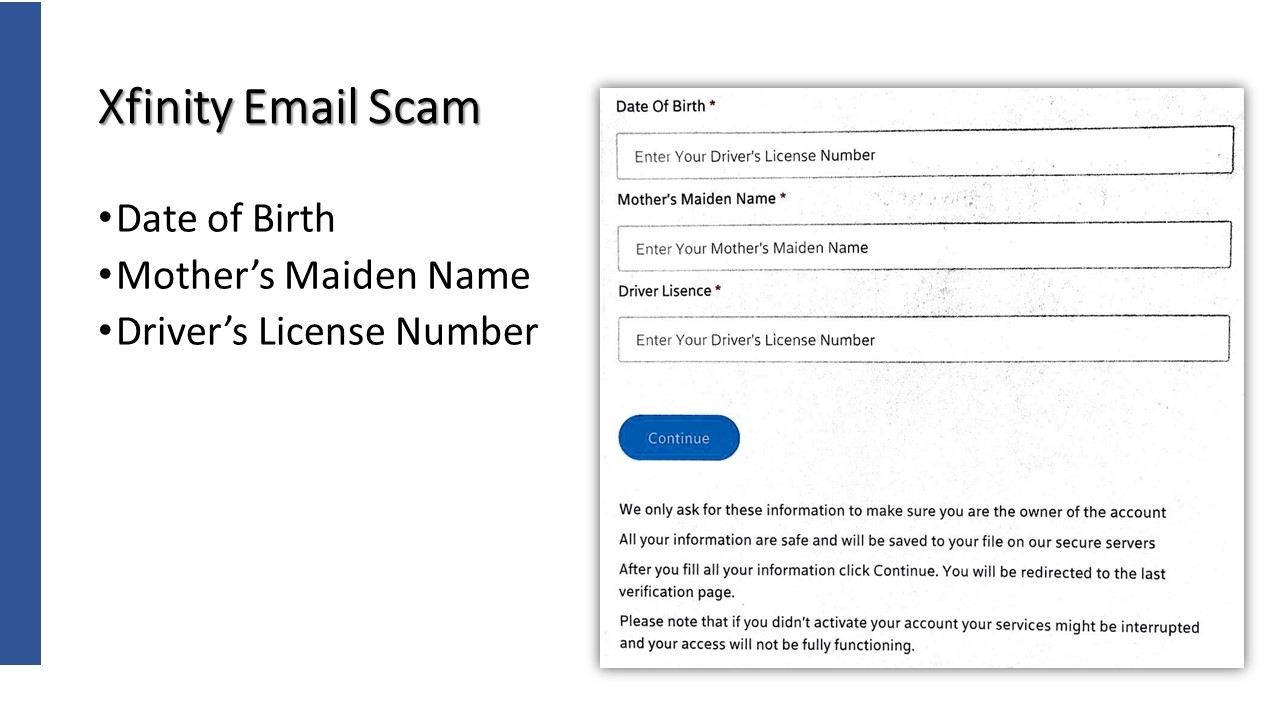
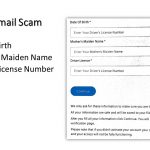
These 3 items are some of the most personal of information used to validate many of your accounts.
Do NOT share personal information! Back away and go to Xfinitys web site and confirm that your account is still working properly.