If you get an email from AT&T saying they’ll stop supporting your phone in 2022, it isn’t a scam letter. Some phones will no longer work on the AT&T network sometime in 2022. If you have a 4G phone you should be good, but the 3G AT&T network is going away in 2022. This link has the story- https://www.theverge.com/2020/7/22/21334221/att-customer-upgrade-email-3g-shutdown-2022
Why Backup?
Choosing your Browser


Alternatives to Microsoft Office


Oakley PC- State of Computing, 2019
Presented by: Aaron Bird of Oakley PC
Presentation: Aaron Bird- State of Computing, 2019
PDF: Aaron Bird- State of Computing, 2019


Wifi: The Good, the Bad, and the Ugly
Presented by: Mike Quinn
Attendees: 14
Powerpoint: Wi-Fi The Good, the Bad, and the Ugly
PDF: Wi-Fi The Good, the Bad, and the Ugly


Pros:
- Much More Secure (harder to listen in on)
- You know who you’re talking to
Cons:
- You can only talk to 1 person
Examples:
- USB cable between your phone or printer and computer

Pros:
- Easy to use
- Can be used in a point-to-point mode (but everyone can still hear you)
Cons:
- Not secure at all – everybody hears you
- Difficult to be sure who you’re talking to

Pro:
- You can talk to anyone on the network
- Uses routers and switches as the “agents” to switch from 1 point-to-point or broadcast area to another
Con:
- Can’t be entirely sure of who you’re talking to or whose listening (at least without “extra” stuff)
- Relies on “truthfullness”

Wi-Fi does not stand for anything – it’s a trademark of the Wi-Fi Alliance
Light (the colors red thru violet are immediately after EHF on the chart above)
5G will be in the 600MHz to 6Ghz area (the same as 4G LTE), but will also add 24-86 GHz in the EHF area in the chart above
Only 5G in the 24-86 GHz will be significantly faster than current 4G LTE
Wi-Fi 1-3 are not widely used anymore
MIMO = Multiple-Input and Multiple-Output (uses multiple antennas for input and output)
MU-MIMO = Multi-User Multiple-Input and Multiple-Output


Guest networks – guest sign on to a different SSID than you use, and they can’t see any of the deivces on your home network, just get access to the internet
Beam-forming – the router increase the power to the proper antenna in the direction of the client device
VPN server – you can use VPN software on your phone or computer to connecto to your home network. Most of you probably don’t need this feature, but it’s handy in some instances.
QoS – Quality of Service – good for things like a VOIP phone and streaming – to give it the highest priority, or if you’re a gamer to give your games high priority
Mesh networks – we’ll talk about those in a future slide

Even in an encrypted environment, even https: and encrypted e-mail can be messed with – someone on the same Wi-Fi can pretend to be your target website or mail server, and if you allow an insecure certificate, you can be fooled – more on this next month).
WPA3 (next generation connection standard) will actually take care of this problem by eliminating these “Man in the middle” attacks (Late-Breaking News: WPA3 has some serioius security problems, so may need to be reworked)

Since 2.4 GHz is unregulated, lots of things use it.

Your body blocks Wi-Fi because water is a good absorber of radio frequencies and you’re mostly water
Routers have to stop transmitting and change channels if they detect a radar signal (DFS)

Using the same SSID for both is usually good – Androids have logic to choose the best throughput that’s supposed to be pretty good. This is especially useful in a house where the 5 GHz gets weak in some of the rooms, so you might want to switch to the 2.4 GHz.
Personally, I’ve found that phones aren’t very aggressive about switching to a better throughput Wi-Fi if they can still talk to the current Wi-Fi, so in my house, we have different SSIDs for 2.4 and 5 GHz so we can force which one we want to connect through. YMMV (Your mileage may vary).

WPS allows you to push a button on your router, and have your device immediately connect without entrying a password.
The problem is that behind the scenes it uses a randomly generated 7-digit pin code – a computer can quickly run through theÂ10 million codes to decrypt your data.
Captive Portal simply means you have to go to a web page and login in some way shape or form before you can use the network.
It’s a bit annoying because if you’re using an email program, it just sits there and can’t use the network until you bring up a browser and try to browse somewhere. Most phones and computers these days are aware of this and will automatically bring up the browser if captive portal is being used….
Wi-Fi EasyConnect – you scan a QR code on your router, then a QR code on your device, and they’re securely connected. This is very handy for “internet of things” – doorbells, door locks, smart lites, etc, where the device only has an interface to a smart phone.

Since a repeater repeats what it hears, it effectively cuts the bandwidth in half. Â
You can use the same SSID, but most devices won’t switch the channel until the original signal is gone, so if you’re
Wandering around the house, your performance will drop to almost nothing before the phone will switch. With a separate
SSID, you have to manually switch (turning Wi-Fi off and back on, will also do it on phones, since they will then choose the strongest signal that the phone knows the password for).

A “backhaul” is just a physical port (usually ethernet) on the extender, so that the extender can forward the data back to the Wi-Fi router via the cable rather than rebroadcasting it.


With WPA2-PSK everybody who logs onto the network can decrypt everybody else’s traffic just by seeing the logon. If they missed the logon, they can forcibly log you out, and when your phone logs back on, they’ll see the new logon.
Using HTTPS:// uses a second level of encryption so the fact that your packets can be decrypted doesn’t help. HTTPS:// can only be hacked by a Man in the Middle attack, but that causes the site certificate to be invalid.
VPNs sends traffic to someone’s server out in the world, and all your traffic looks like it’s coming from that server. What you send is encrypted. Some secure websites don’t work properly with a VPN (schwab.com is one that comes to mind – I have to shut off my VPN to talk to schwab). Â
We’ll talk more about VPNs next month.

Don’t need to do this if you didn’t enter a password to logon.
Remember, captive portal, where you log in via a web page, has no encryption…..

Note the lock icon and the https:// in front of the URL. I just typed google.com – google automatically converted it to https://. Most good websites will do that automatically, but you can force it by manually typing the https://. If they don’t support https://, it won’t bring up the website.
Baidu.com is the Chinese google. Note they do not switch over to https:// and there’s no lock icon. However, in their case, if you typehttps://baidu.com, they will use https:// and you’ll get the lock icon.

Don’t continue on to websites that put this kind of dialog up. It means the certificate that’s used by the website cannot validate that they are who they say they are. Sometimes, this is an oversight by the website because the certificate expired (they have to be renewed every few years), but it can also mean that someone is impersonating the website.
Jeff’s Frequently Used Smartphone Apps
Presented by Jeff Hensel on March 14, 2019
Attendees: 15
Jeffs Frequently Used Smartphone Apps 2019
This is all about the apps I use most frequently. It’s not because they are the most popular or best apps but a personal opinion.
A bit about me. I have a vision disability so I need apps I can see well or have the ability to enlarge their text for me to use them.
I don’t play games on my phone so please don’t be offended if you don’t see any.
And lastly, although I use an iPhone, virtually all of these apps are in the Google Play Store to work on an Android phone.
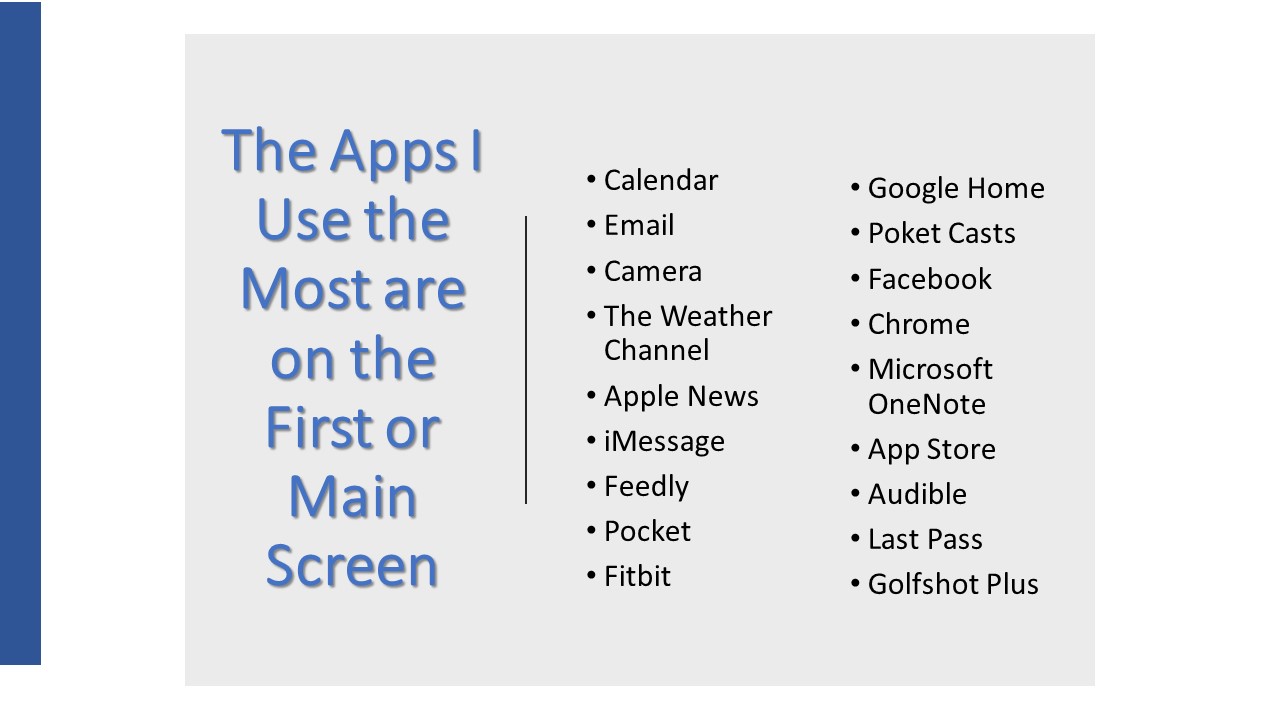
These are apps I use at least once per day. Well, virtually all of them.
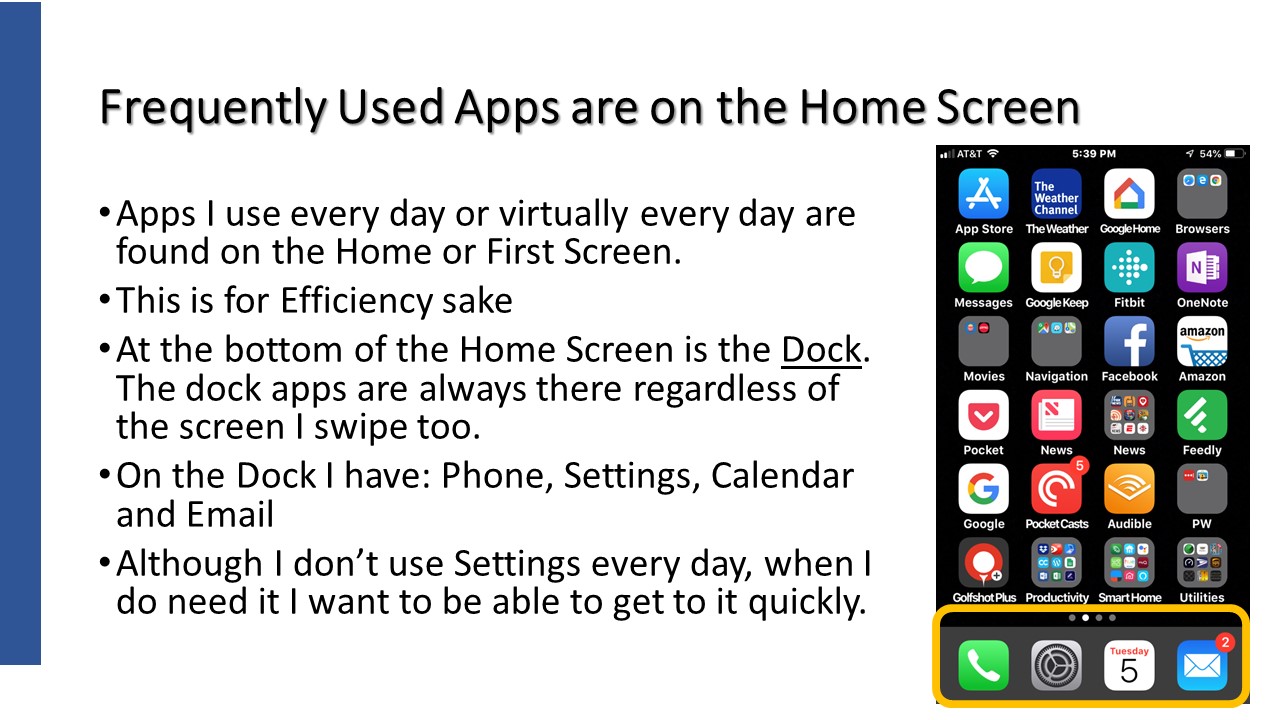
The Home, or first screen, is where I keep my most used apps. Start the phone and there they are.
The dock or space at the bottom of the screen is the top 4 for me.
And lastly, I must mention that I have some folders on the home screen to easily get to some more apps.
I won’t talk at length about all of the apps in folders but will mention most of them.
In fact, I’ll talk about ov 20 apps so let’s have some fun!
What can I say beyond showing these 4 icons.
This is a phone right!? I use it a lot too. I can get to iMessage for texting from the phone app too. I have a list of favorite contacts so I can get to them without having to open the address book.
Even after my work days I live by my calendar. I make calendar appoints for EVERYTHING. Well, almost everything. Grandkids birthdays are the biggies but I also have calendar appointments, with reminders, to take out the trash and to bring in the cans.
Emails is critical for me. I might be addicted because I check it so often.
And then there is the camera. Not only do I take pictures of stuff but I use it as a magnifying glass . Food preparation instructions is the most common.
I’m always checking the weather especially to make sure it isn’t raining on a gold day. But I like to check weather conditions in other cities where family resides. Oh, and I love thunderstorms and rain.
I’ve been a Fitbit users for over 4 years now as it encourages me to walk regularly. I do my very best to get 5 miles in every day with at least 30 minutes where my heart rate is very active. I’ll even wear it during sleep to check on how I have slept. I know, I should know this when I wake up but I love to check anyway.
Unfortunately, I look at texts too much but it’s a way of live for many of my kids and grand kids. An app that is one of those necessary evils.
Even with a vision disability, I like to ready but must have large text to do so. Here are my big 3. This excludes books but I have an app for that later on.
I’ve found that the Apple News app works very well for national news. Text is large and I can curate news sources. I read the news in the morning and evening.
Feedly, on the other hand, is an app where I choose topics and the app delivers anything that fall into those topics. Topics like technology, golf, news headlines, etcl. I read the headlines and then decide if I want to read the rest of the article. I get about 300 articles per day but I certainly don’t read all of the details.
Pocket is a must for my reading pleasure. It’s and app where I send news articles to and Pocket strips out the advertisements and sets the text to the size I determine and presents it to me. I can even save articles for later use or to share.
A bit of an eclectic group here.
I have a Google Home speaker (3 in fact) that I use to set timers, recite the weather or play music. I have the Google Home app where it holds my shopping and to do lists. The speaker and app work together as I can say “Hey Google, add eggs to my shopping list” and it does.
Pocket Casts is an app for Podcasts. Podcasts are recorded radio shows. I subscribe (not paid but receive regularly) to 9 podcasts. One is daily while the others are weekly with 2 being monthly. Again, I search out the topics and get to listen to them at my convenience. NOTE: Pocket Casts is a paid app that cost me a whopping $5.99. Not per month or per week but $5.99 in total.
Although this is an Apple iPhone, I mostly use Chrome as the bookmarks in Chrome on my PC are synchronized to my iPhone so it is my mobile browser of choice. OK, I still use Safari too.
OneNote has been part of Microsoft Office since 2002 and I’ve used it since then. It is my note taking app and the place I save information from the myriad of things I encounter on the computer. I plan things using this app, manage projects and where I keep notes on all of my tech hardware. I even plan vacations in this app. OneNote consists of Notebooks,. Notebooks have Sections and these sections contain paiges.
The App Store app isn’t used every day but multiple times per week. Wait, I don’t get apps that often but I do check when apps are updated and check out for any new features.
Remember books, Audible is my book app. I don’t read books…I listen to them. I really, really enjoy listening to books while I go for walks. In fact, the main reason I go for walks is to listen to a book.
Last Pass is my current Password manager app. I still use Ewallet have have been bringing Last Pass up to speed and will fully switch to it within a month or so. The next project is to have my wife switch too.
I’m a golfer and Golfshot Plus is the app I use to record scores for each rund of golf. I’ve been using this app since 2010. It’s costs $14.95 per year. This is pretty expensive as far as I’m concerned but I use it twice per week and it’s work the price to me. I can load golf courses from all ofer the world without any extra fee. Ok, I don’t golf internationally but I could.
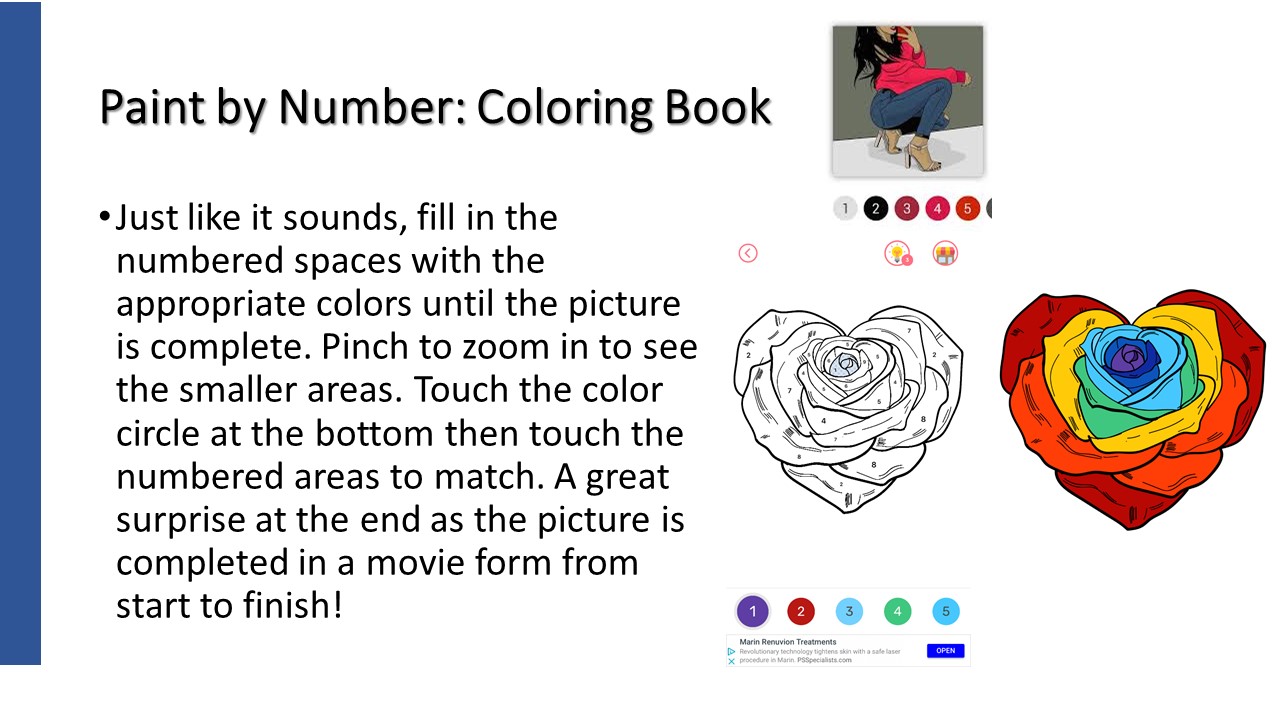
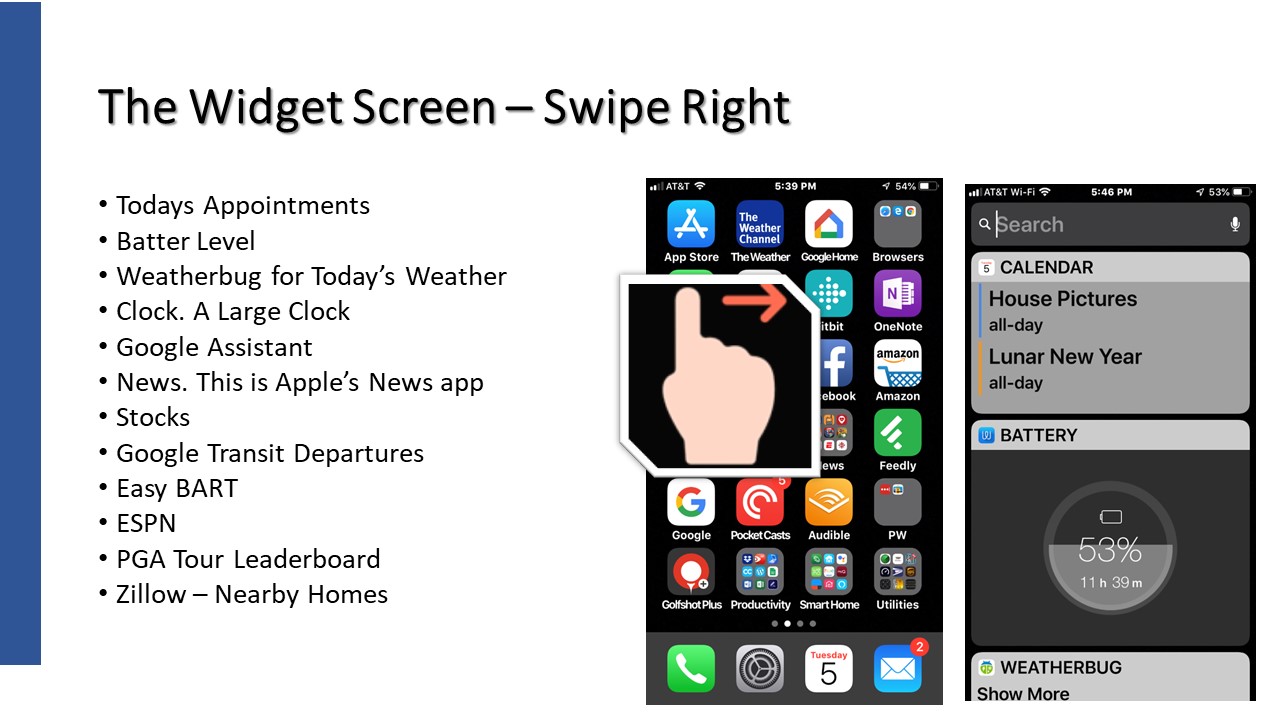
Let’s take a little side trip here and talk about the iPhone’s Widget Screen. Swipe right and you’ll see it. Android has a similar feature called Google Now.
The Widget Screen is a place where I can get to a variety of “one off” pieces of information quickly and easily.
Most of the above items are pretty self-explanatory but let me share a couple. Google Transit Departures shows me the arrival times of public transportation close to me. Tri-Delta Transit for Bus or BART. Easy BART does the same just for BART. I can be walking down to a BART station and this screen will showing arrival times for the different trains at this station.
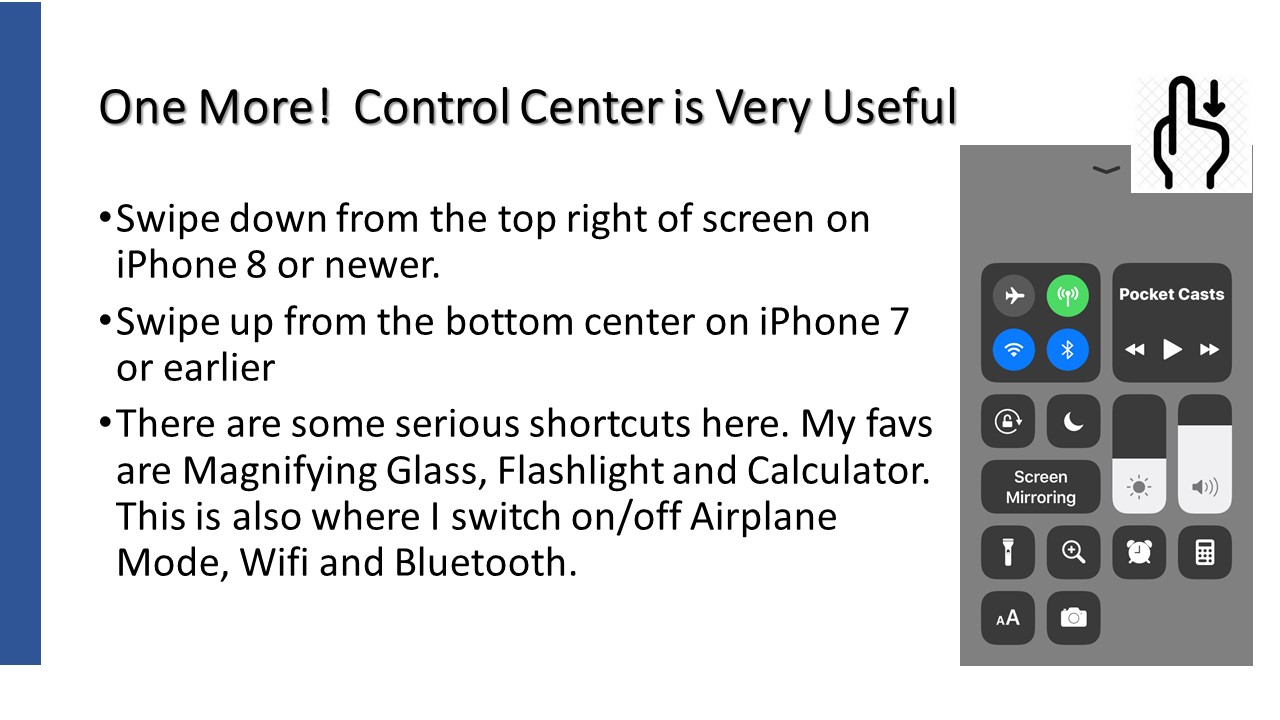
Another cool iPhone feature is Control Center. Here are a few critical short cuts I use quite often. Flashlight and Magifying glass are the most common.
Android has this by swiping down from the top of the screen.
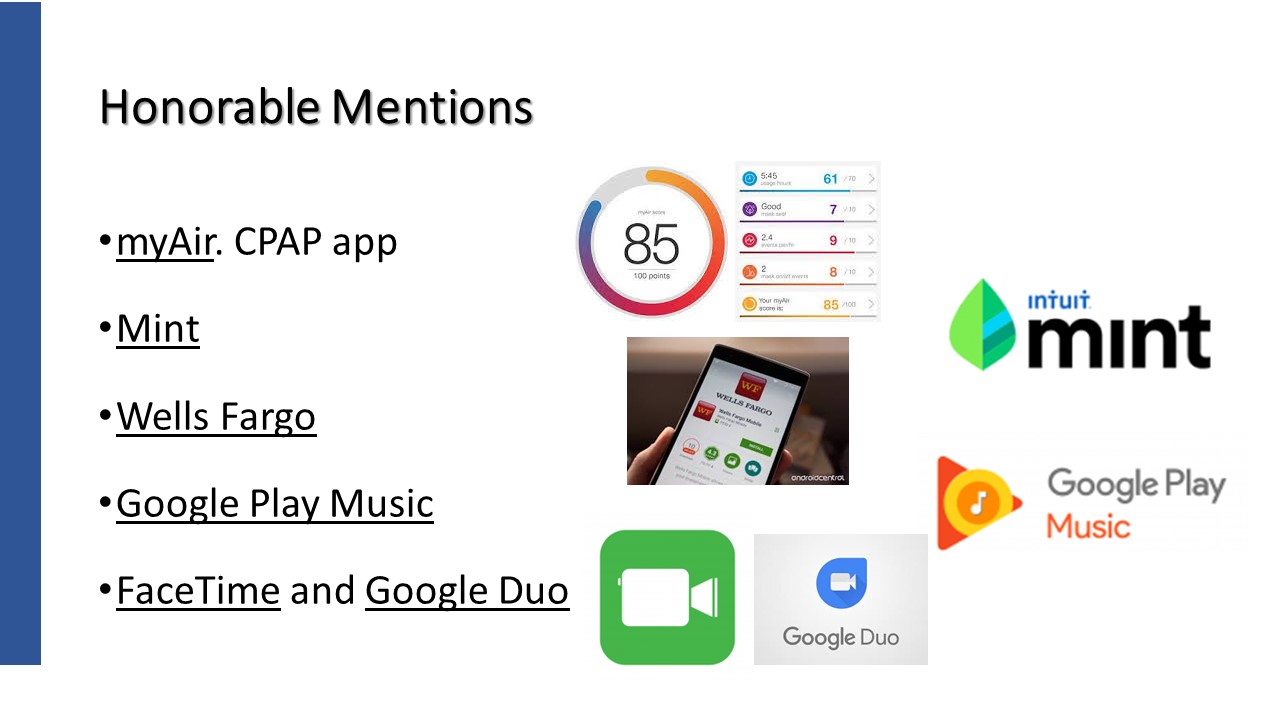
Not used everyday but frequently used none the less.
I have sleep apnea, as do many, and I use a CPAP machine. My machine records nightly sleep information and I can see it on an app. I get a number grade with 100 being perfect.
Mint is a new financial app I’ve been playing with. It’s free and also on the internet. It pulls transactions from my bank accounts as well as my main credit card. It categorizes and gives me the ability to manage a budget and track bills. There are no reports, just a simple tool to manage my money. It doesn’t meet all of my needs due to my wife’s real estate business but I think it will work just fine when working is in the past.
Virtually all of the major banks have an app and Wells Fargo is mine. I can check account balances, see when checks have cleared and even to online bill paying.
My music app is Google Play Music. No dramatic reason but right now it’s my app of choice for music.
Since I have kids and grand kids with iPhones and Android phones, I use both video phone calling apps. Yes, both apps can work on the iPHone.
Using Password Managers (and why you should)
Presented by Mike Quinn
February 14, 2019 Attendees: 15
Presentation: Using Password Managers.pptx
PDF: Using Password Managers.pdf
Mike Quinn, relatively new to the Computer Club, shared the top 4 password managers, their key features and pricing to help folks make decisions for remembering their passwords. Password and user IDs have grown and grown in the recent years and relying on memory just won’t work any longer.
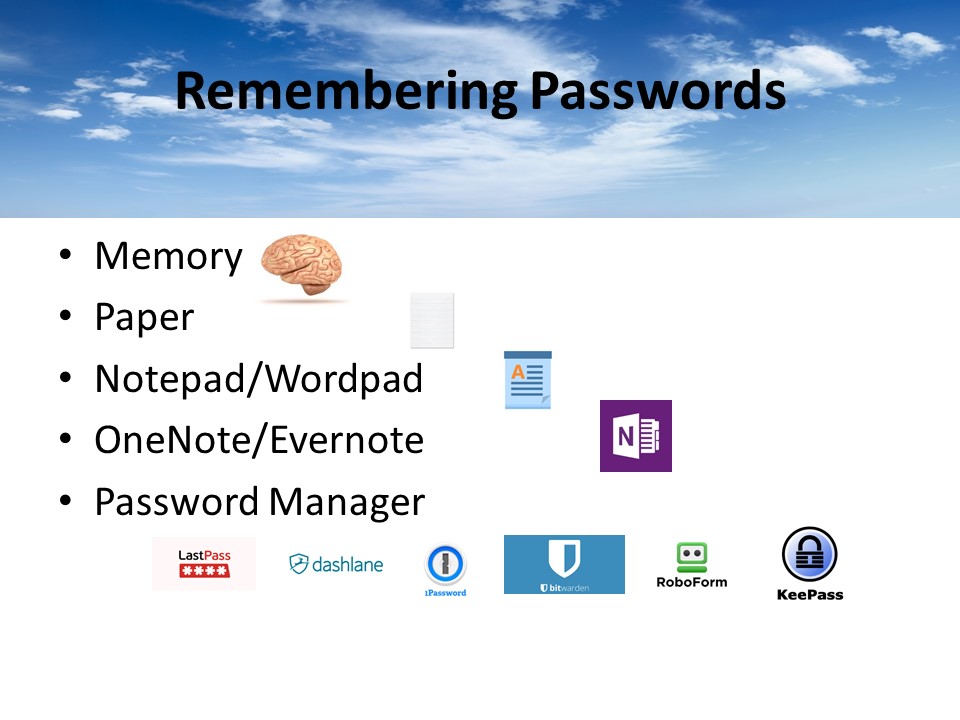
Memory – you know why this is bad
Paper – can get lost, stolen, not encrypted
Notepad/Wordpad – can get deleted, hard to share when it changes, not encrypted
OneNote/Evernote – workable solution if you use encryption. Evernote can unencrypt your docs, so I don’t recommend it.
Password manager – saved in cloud, easy to share, encrypted
Encrypted and decrypted locally
Auto-logon, Auto-fill, “icon” choice in username/password fields of website, copy/paste of user name and password
Don’t actually recommend auto-logon or auto-fill – 2 people with different logins causes things to act differently
When there’s 1 login vs 2 (because with 2 logins, you really don’t want auto-logon to happen)
The icon allows you to choose which logon to use for the site.
Import and Export good for doing your own analysis, or for moving passwords from 1 product to another.
Bitwarden is the odd man – it’s exports aren’t imported well by others (you need to edit the .csv file).
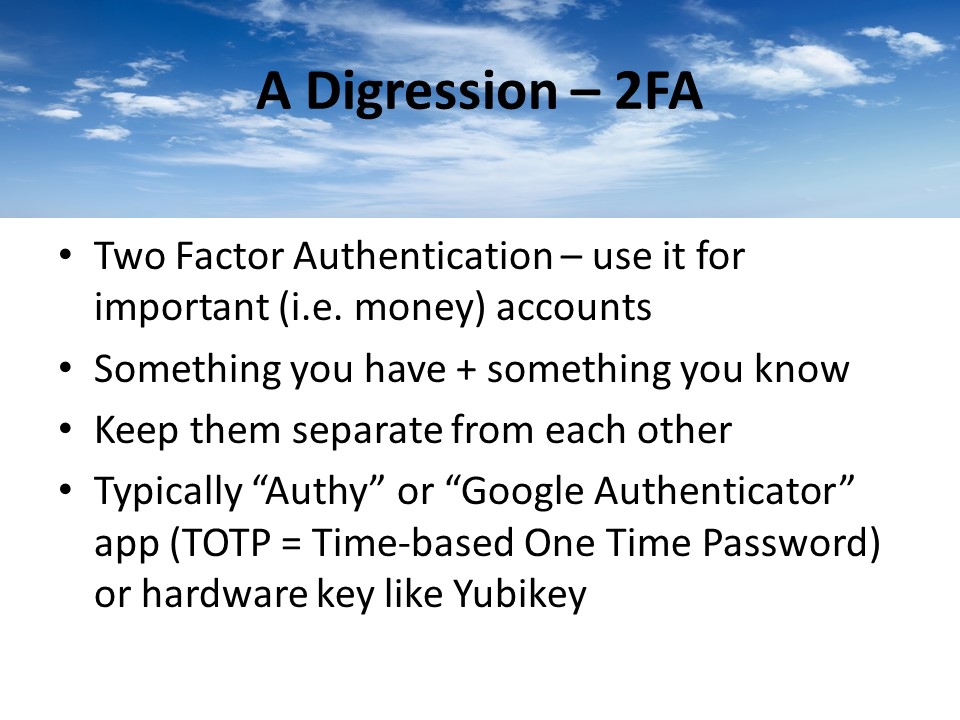
2FA authentication can use a number of features – yubikey (hardware), authy or google authenticator (software)
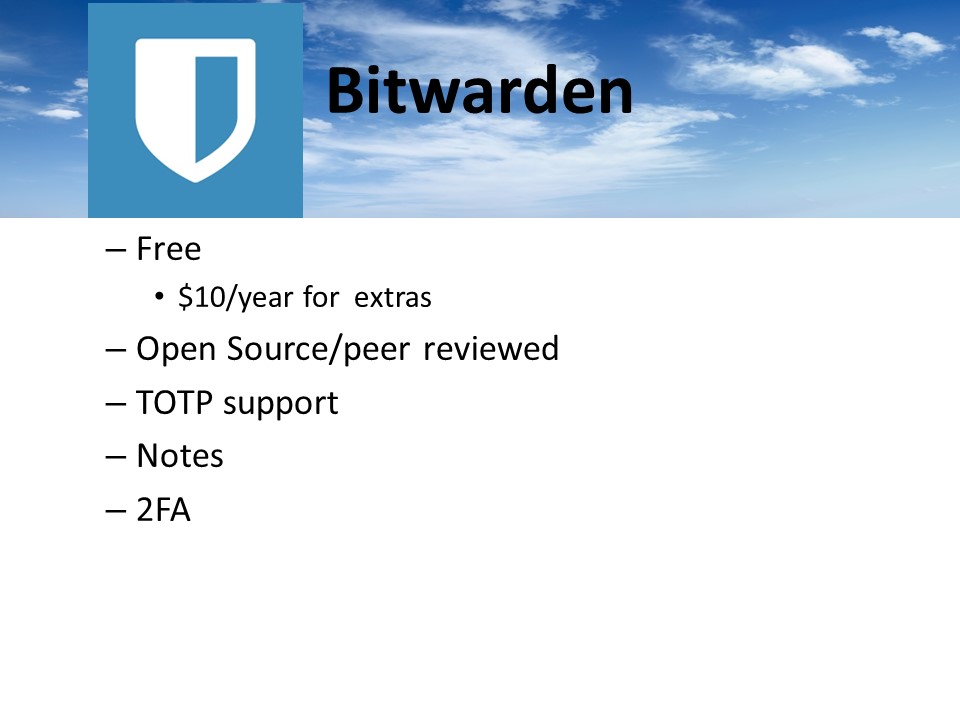
Bitwarden extras – Yubikey, 1GB storage, TOTP authenticator key storage, health & hygiene reports, attach files to websites
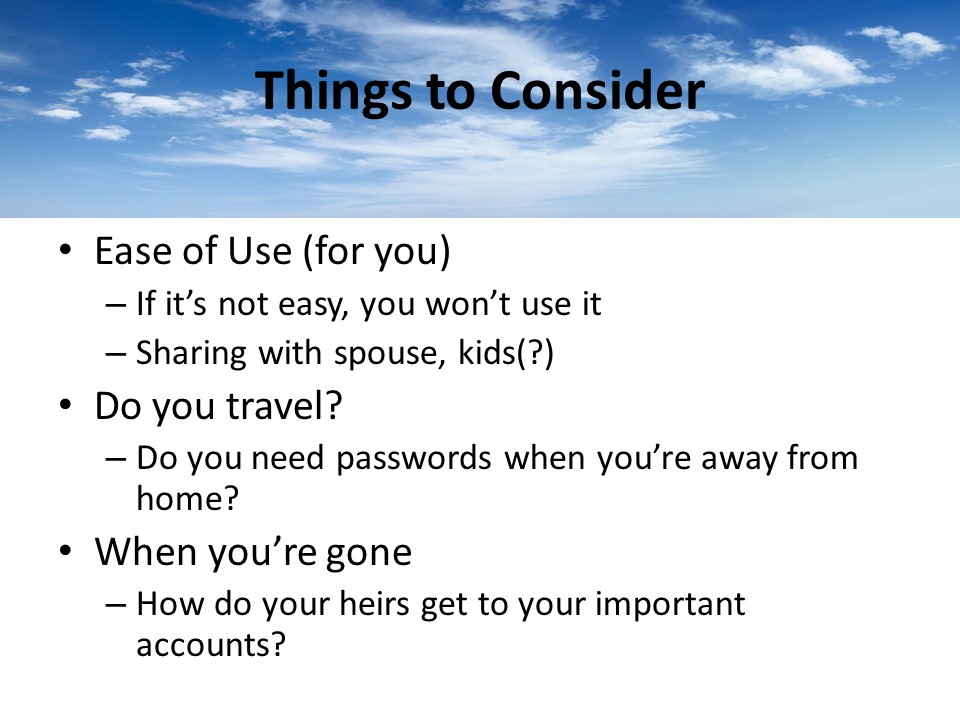
Put it on a USB drive and tell your successor where to find the drive (or give it to them if you trust them)
Don’t use a safe deposit box because of the hassle of probate for your successors to get to it.
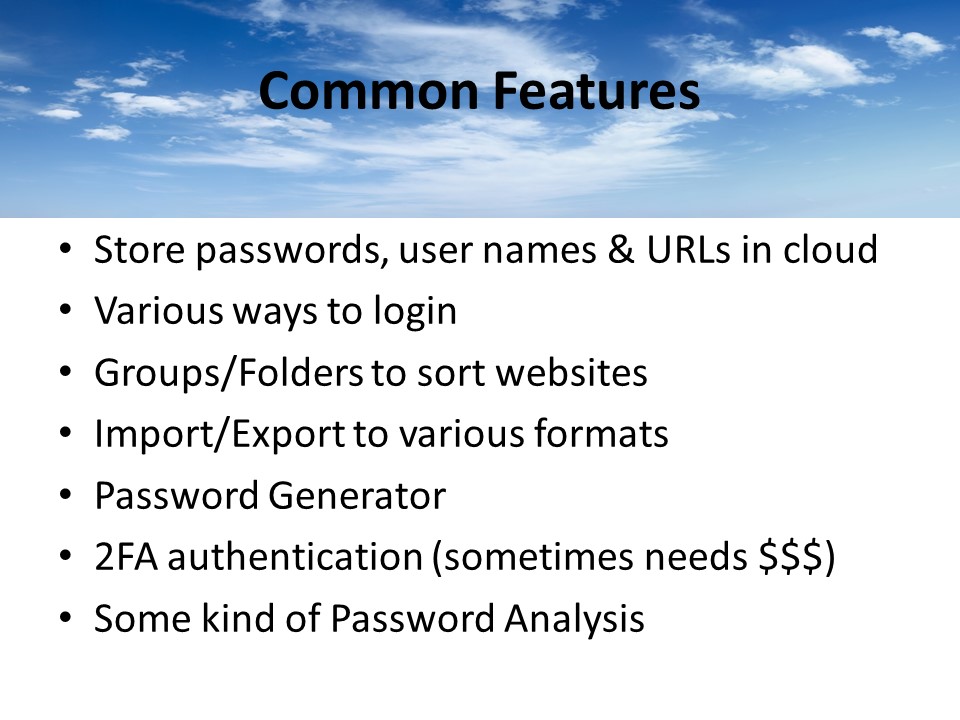
TOTP = Time-based One Time Password (Authy, Google Authenticator). You normally don’t want to have your password manager handle
TOTP because that’s all your eggs in one basket – if your laptop gets stolen and hacked – they can log into your 2FA websites. Of course, if it’s
Your phone that’s stolen, your in trouble because it typically has your 2FA app on it as well.
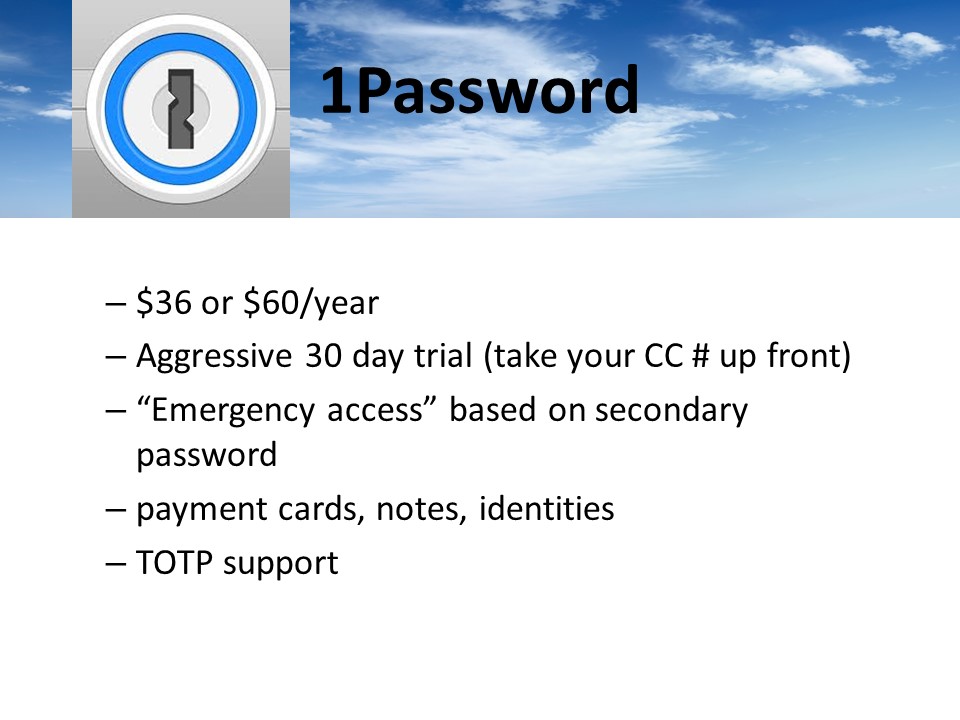
Keep “Emergency access” info on USB stick
Don’t use TOTP support – puts all your eggs in one basket and makes your 2FA less secure.
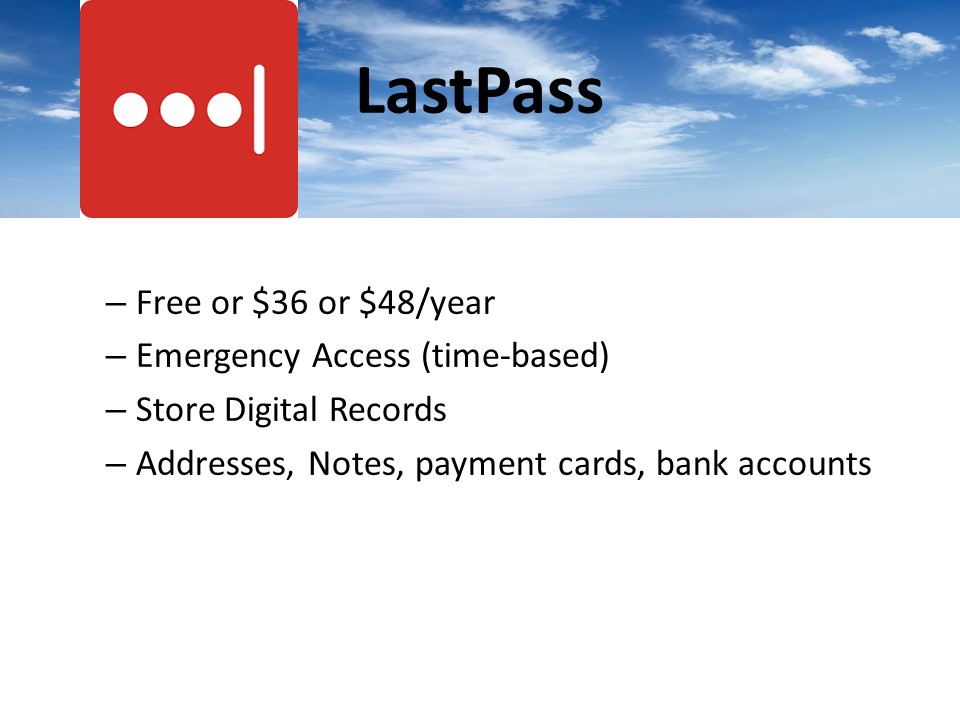
You can setup an lastpass user that can request access to your account. They must have a lastpass account.
Personally, I don’t use online forms or payment cards or bank accounts. Too much info in 1 place makes it easier
To hack. Also, slows you down just a little bit on those impulse spends J
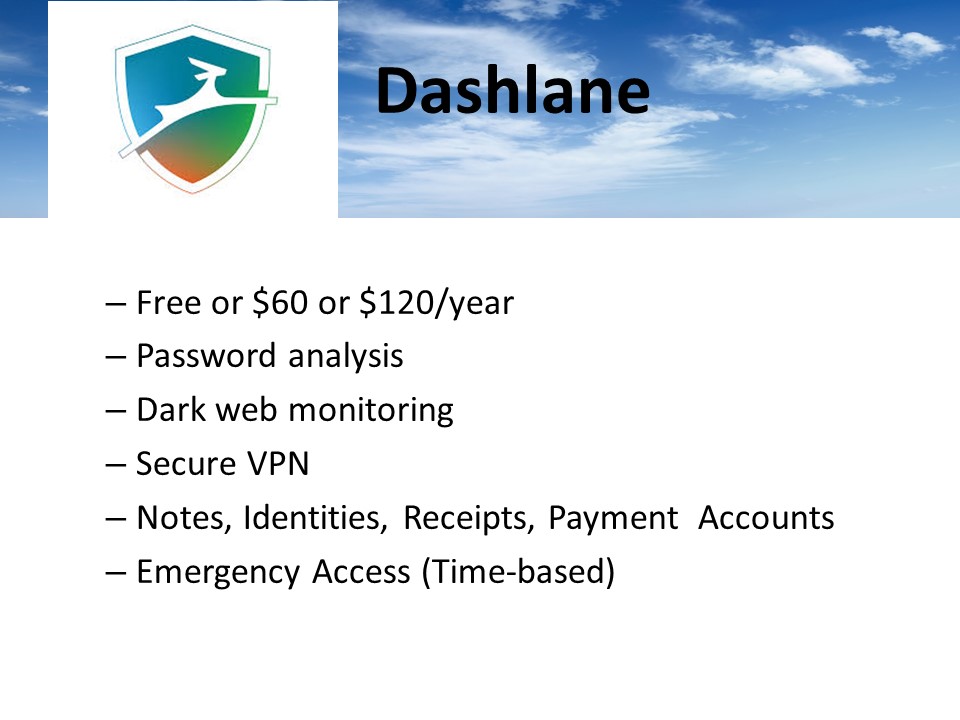
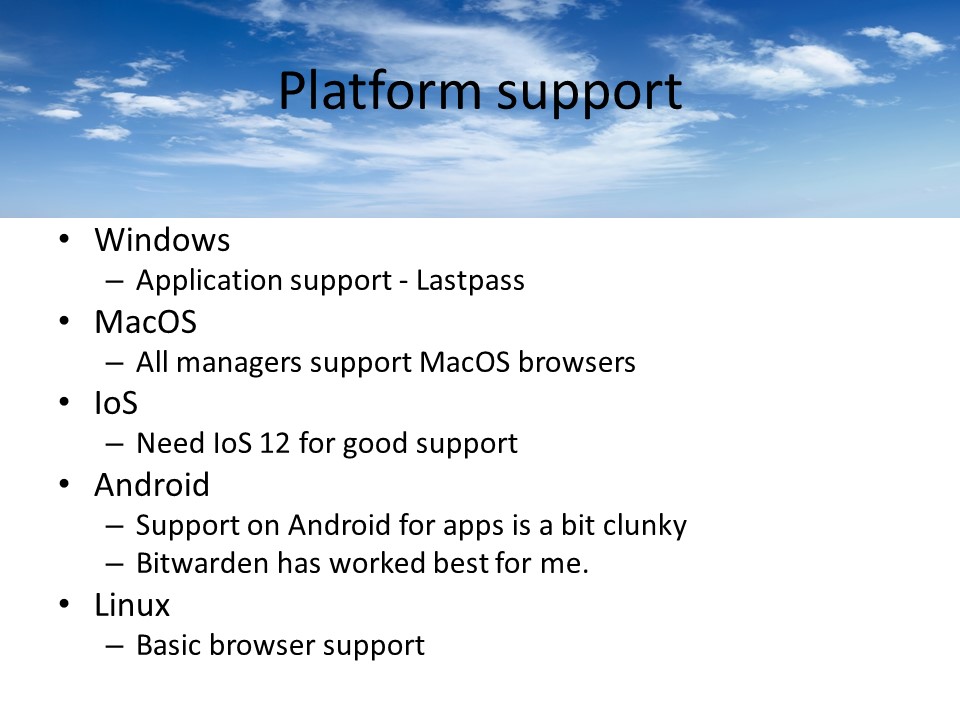
Free = 50 passwords and only autofill
$120 = credit monitoring, identity theft insurance, and identity restoration support
If you want secure VPN, try privateinternetaccess.com – very fast, keeps no log information
Emergency access requires at least a free dashlane account.
At this point Mike went to the PC and showed what each of the programs looked like and how easy it was to navigate around the software. He even connected his Android smartphone to show Bitwarden’s smartphone app.
Announcements
Club member Charles (Sparky) Livenspargar passed away last month. His memorial service will be March 3 from 11 – 2 at the Summerset IV Club House.
Jeff and his wife are moving to Trilogy in Rio Vista. Mike Quinn has volunteered to be Club President.
Jim Bush will continue as Secretary.
Beware of Computer Scams
Presented by Jeff Hensel on January 10, 2019
Attendees: 21
Next Month’s presentation is: Learn about the different password managers and their features, including some demonstrations for Windows and Android (Mac & IOS will be similar). You should probably be using one! Presented by Mike Quinn.
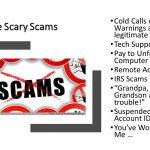
Scams, computer, mail or phone, are not new but they are getting more creative and even dangerous.
We’ll talk about 9 SCAMS and what they purport.
Most of these scams will cost you big money and big time expense.
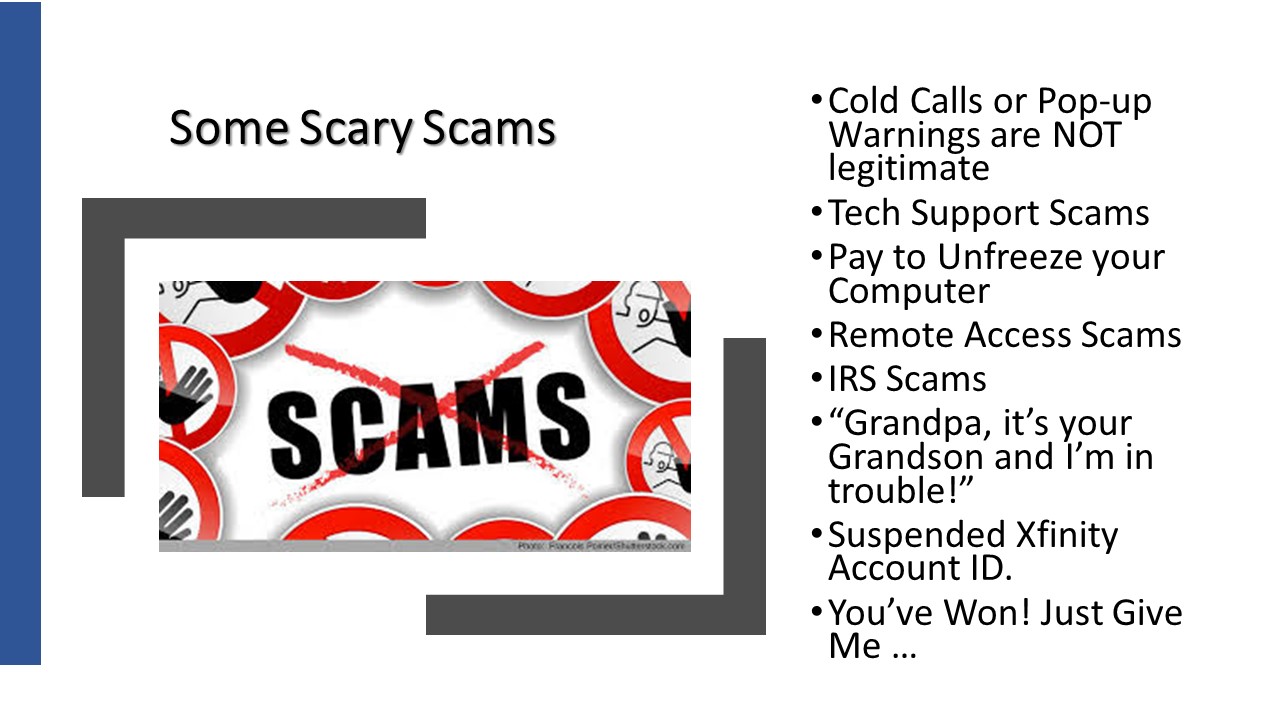 This list is NOT exhaustive either
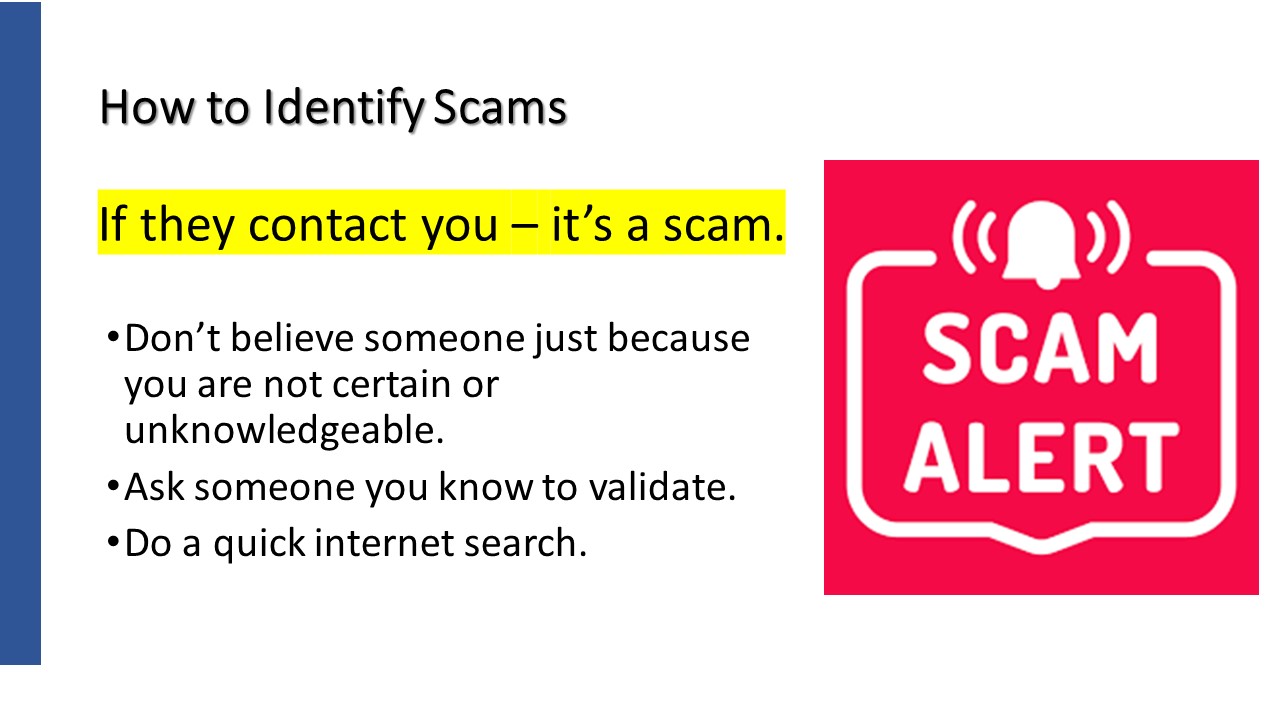
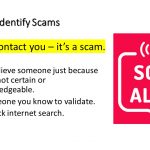
Look folks. If you start from the position that it is a scam right away, you will save yourself time, money and heart ache.
The number of valid contacts just like scams are so few that if it very safe to first start from the point of view that the contact is a scam.
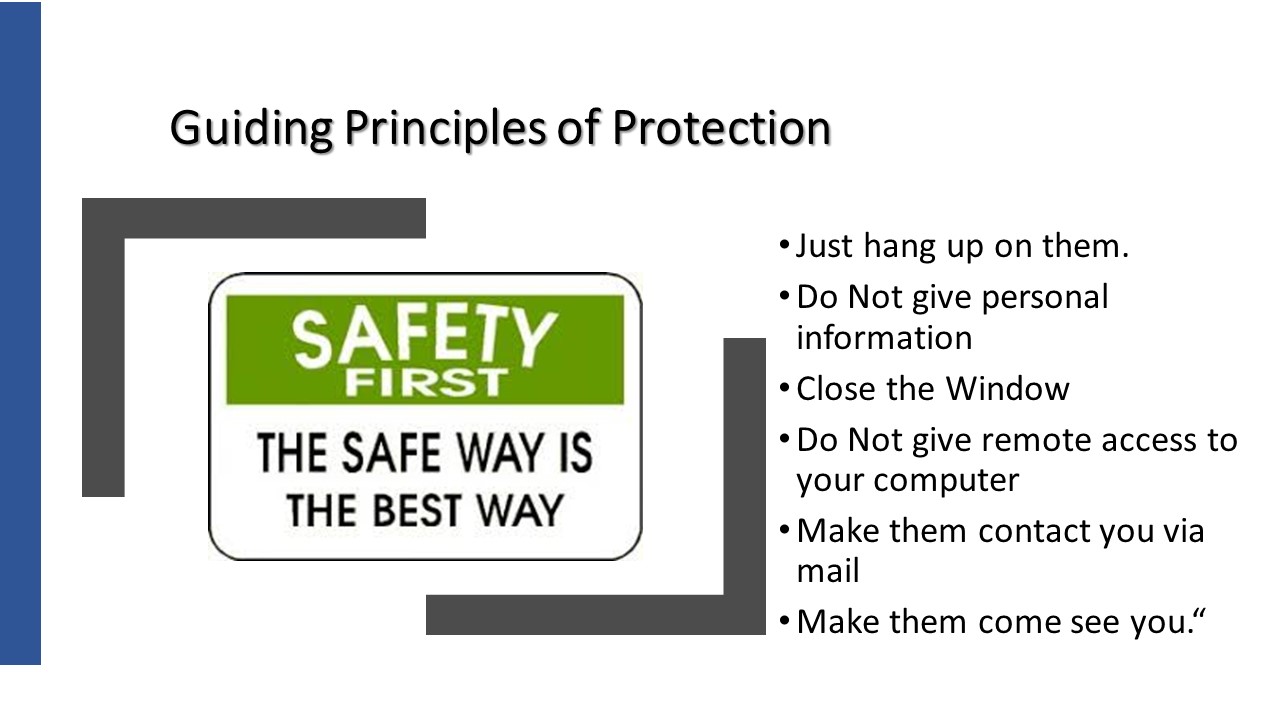
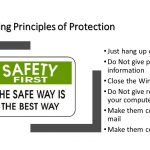
Ask a friend of someone you trust.
Do a little investigation on the internet.
Make them contact you via mail.
Make them come to you so you can see their credentials.
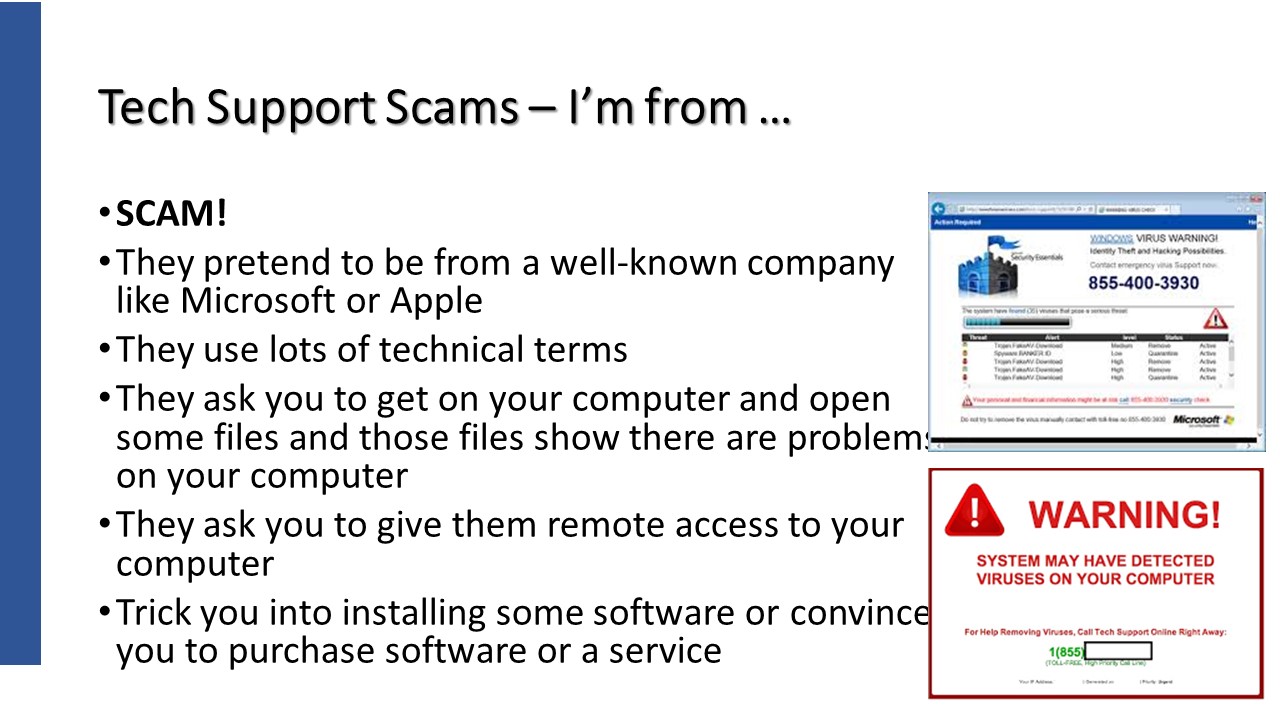
https://www.consumer.ftc.gov/articles/0346-tech-support-scams
Microsoft Support – https://support.microsoft.com/en-us/help/4013405/windows-protect-from-tech-support-scams
Microsoft Windows Tech Support Scam Call! Full Call Recording!
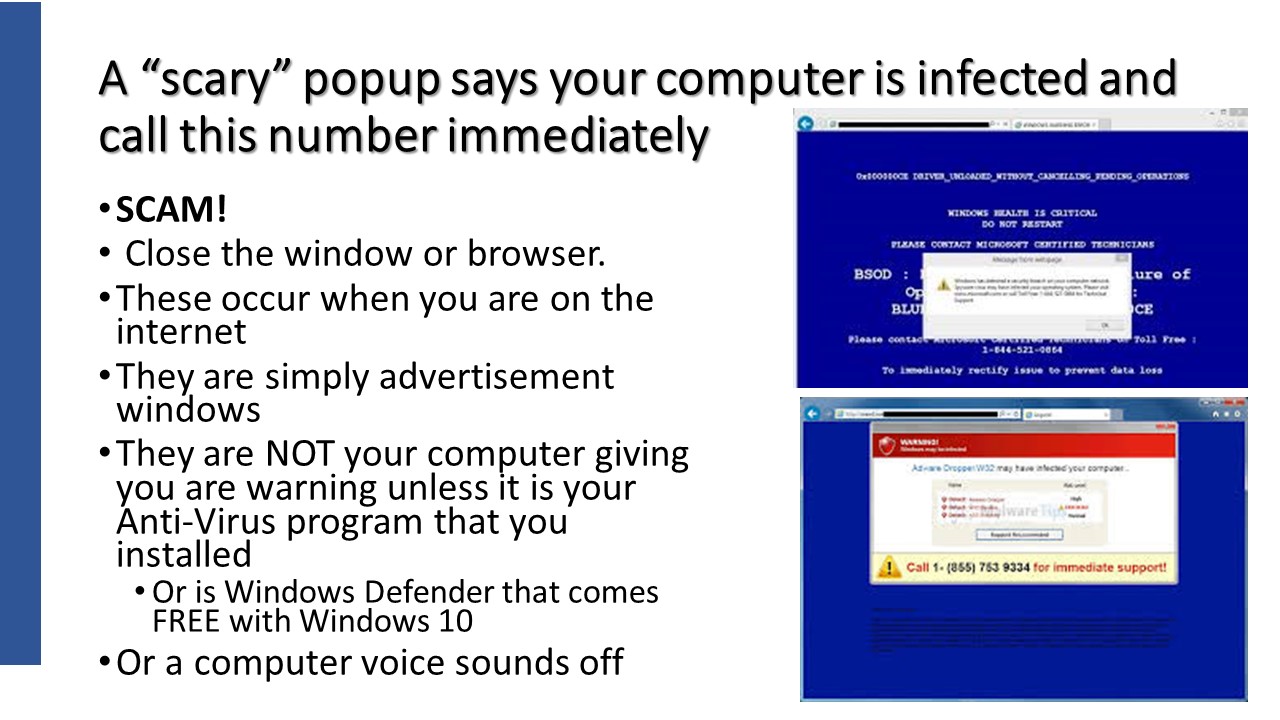
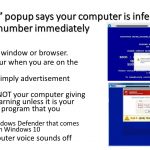
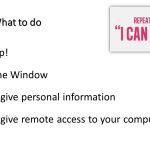
Simply close the window or the browser tab. That’s it!
If there is no ‘x’ in the upper right corner that allows you to close the window, you can “force” close the program by using the Task Manager.
Use Alt + Control + and Delete key > Select Task Manager > Click on the program to close and Choose Enable in the bottom right corner.
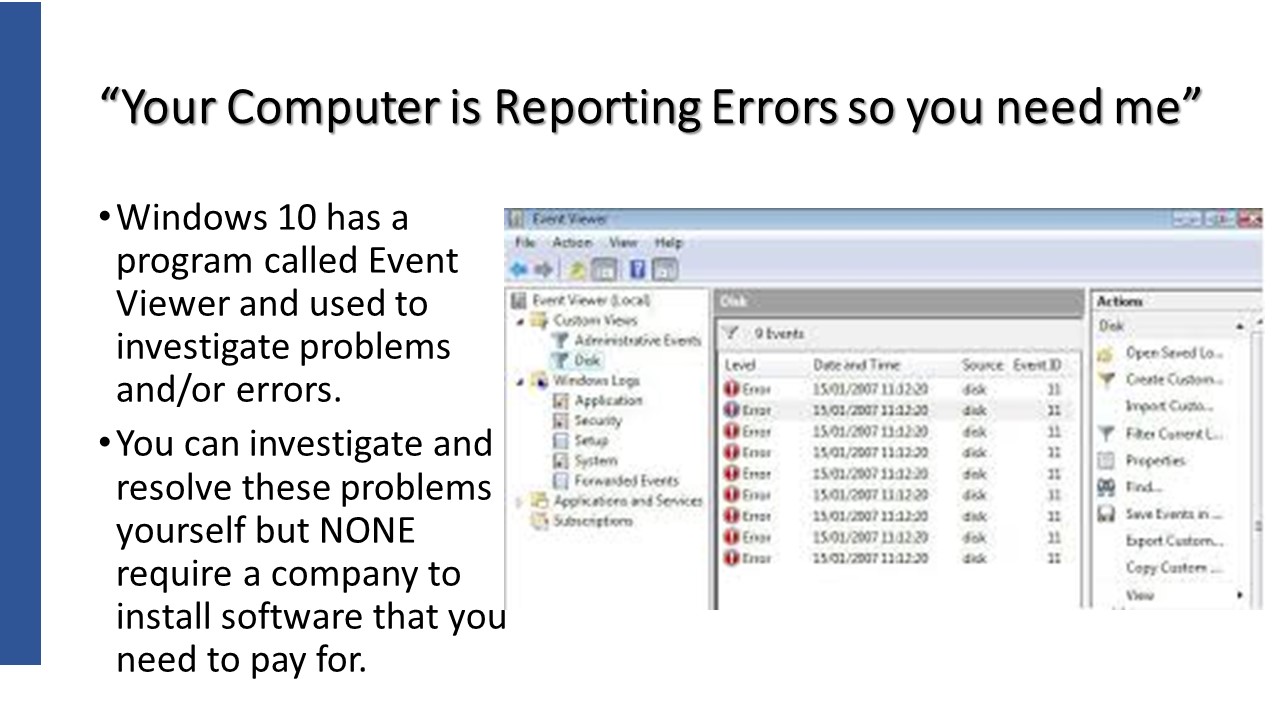
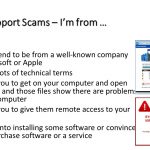
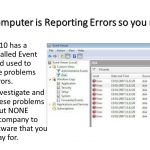
This is a picture of a small Windows program called Event Viewer. It is used by technical people and Windows’s repair programs to evaluate and repair situations behind the scenes within Windows. It is not something we “regular” people would need to be concerned about at all.
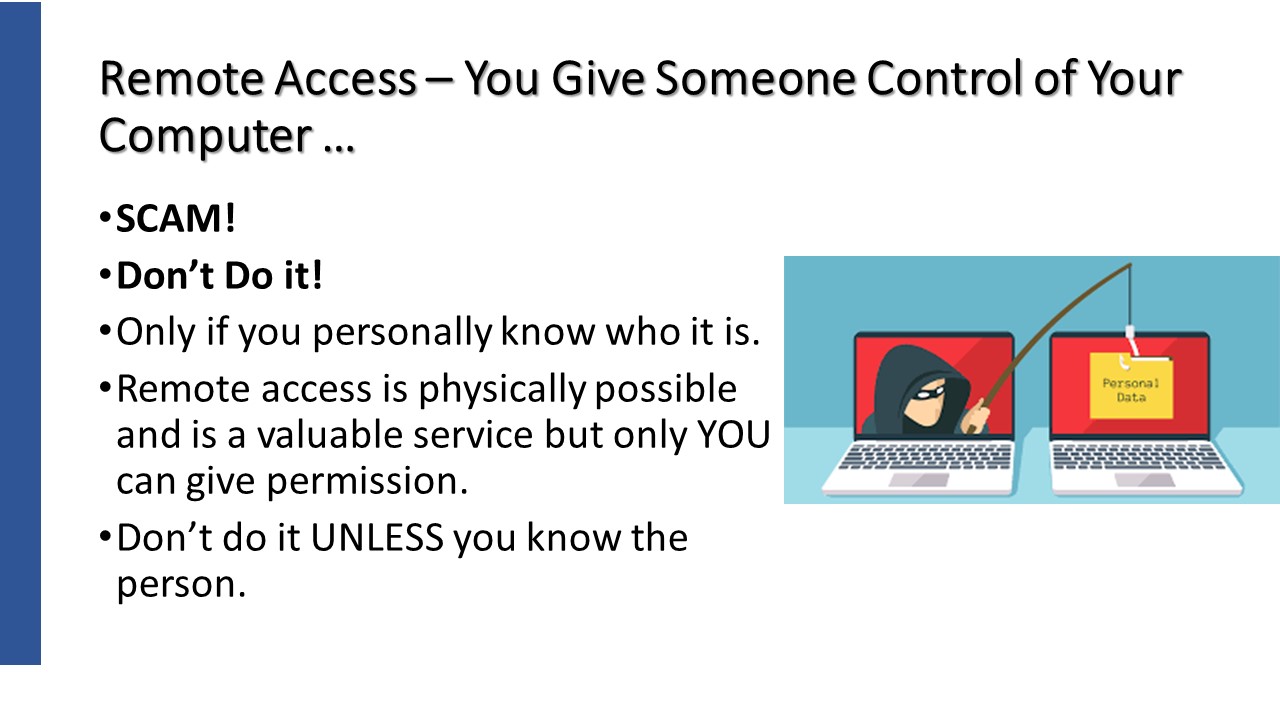
Protect yourself from tech support scams — Microsoft Support
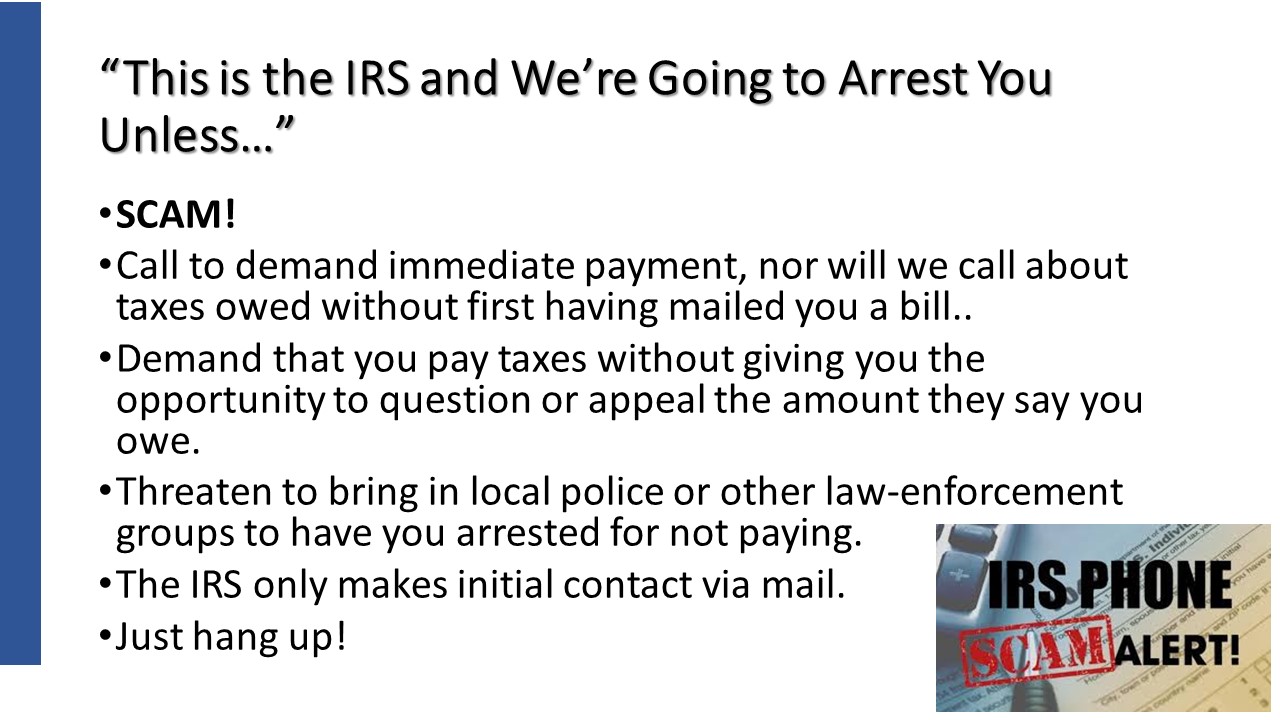
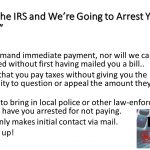
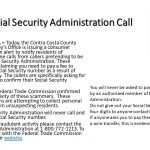
IRS Identifies Five Easy Ways to Spot Suspicious Calls
Worried about the latest IRS Scam
https://support.microsoft.com/en-us/help/4013405/windows-protect-from-tech-support-scams
Microsoft does NOT reach out to you in person for any reason.
Virus notifications from from Windows Defender ONLY or your currently installed anti-virus program.
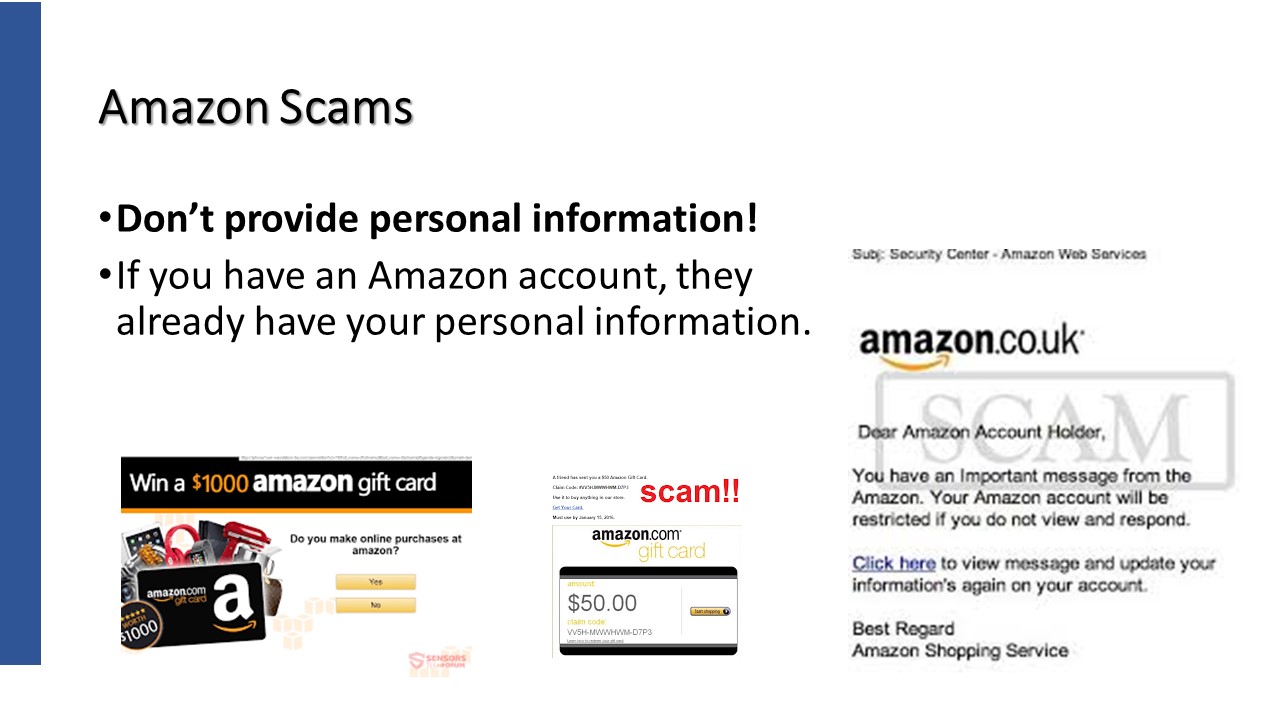
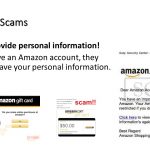
Amazon Scam. Email saying “Your recent order cannot be shipped”. Click a link to re-enter your personal information and credit card.
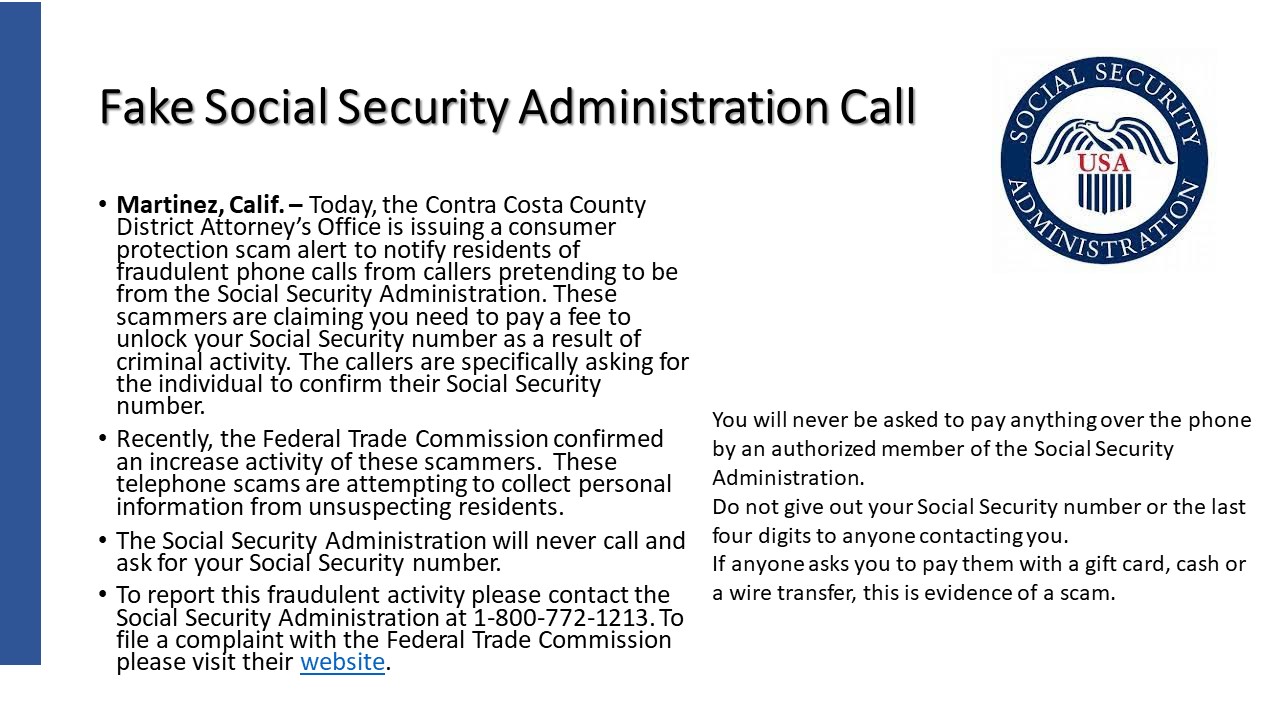
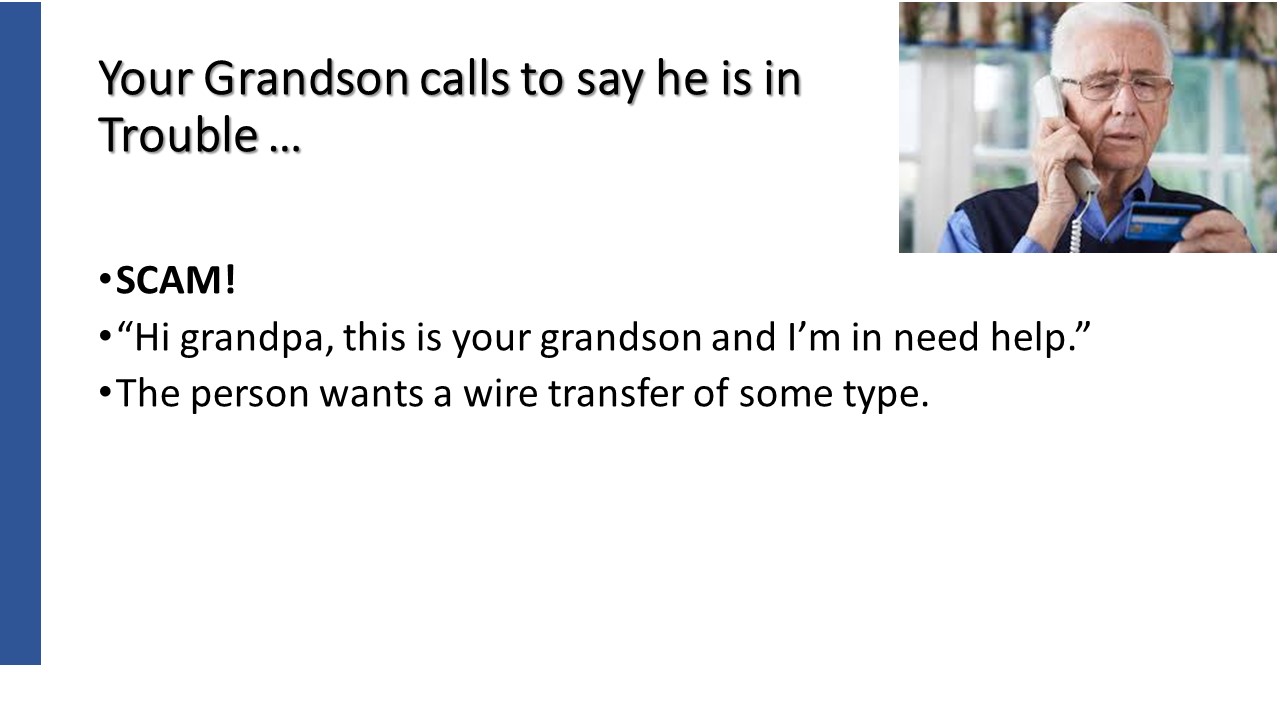
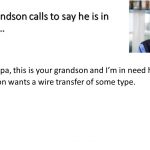
You think it’s your friend calling, but it’s actually this growing phone scam
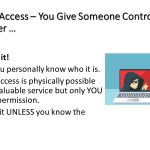
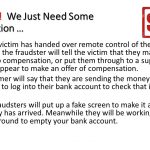
Beware the new breed of computer takeover scams
You are entitled to compensation / refund and will put it into your account. Need account information.
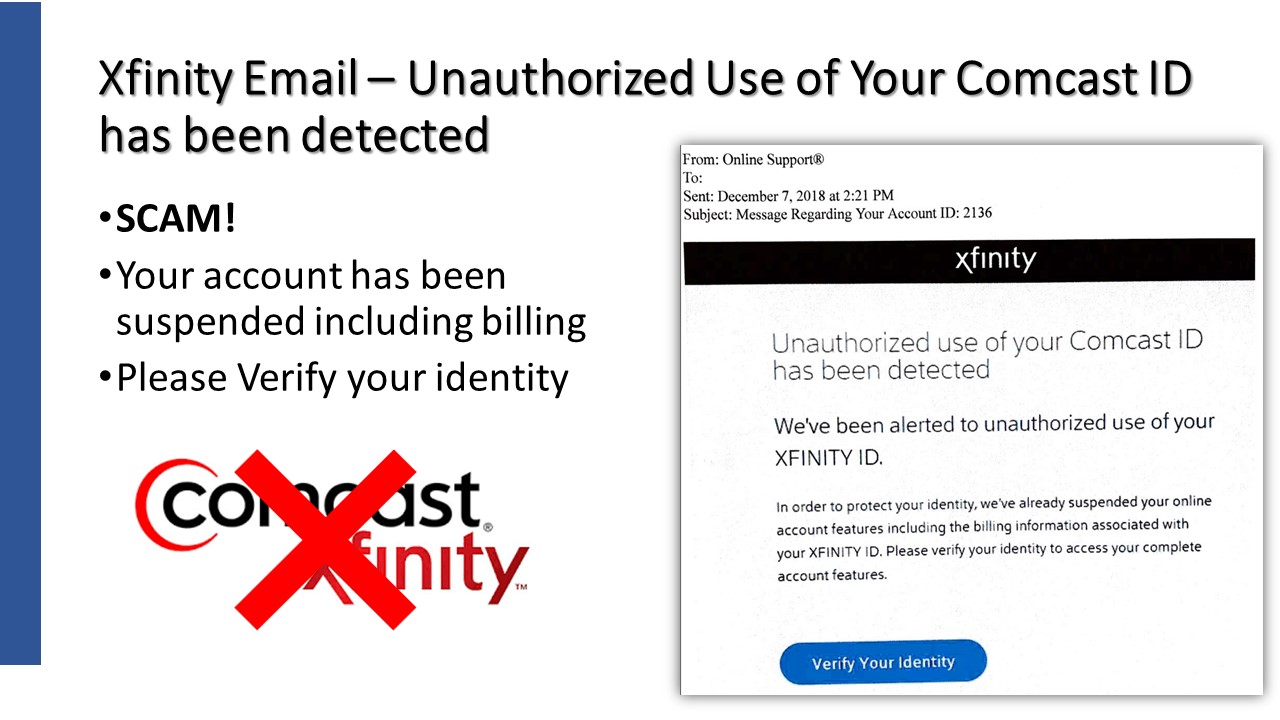
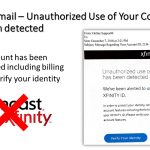
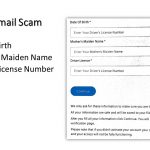
This is an email send to a relative of mine during December of 2018. It is a total scam.
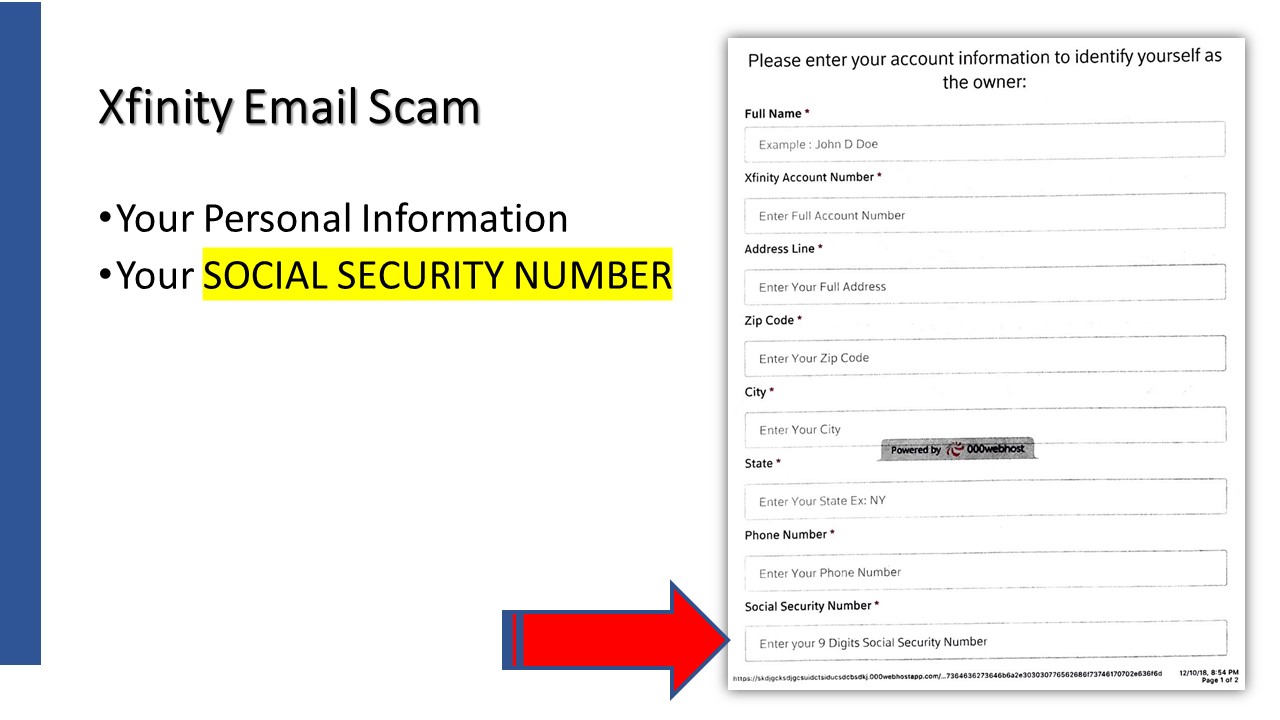
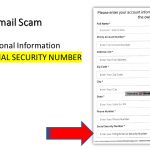
Holy smokes. They want your Social Security Number! Again, Don’t do it!
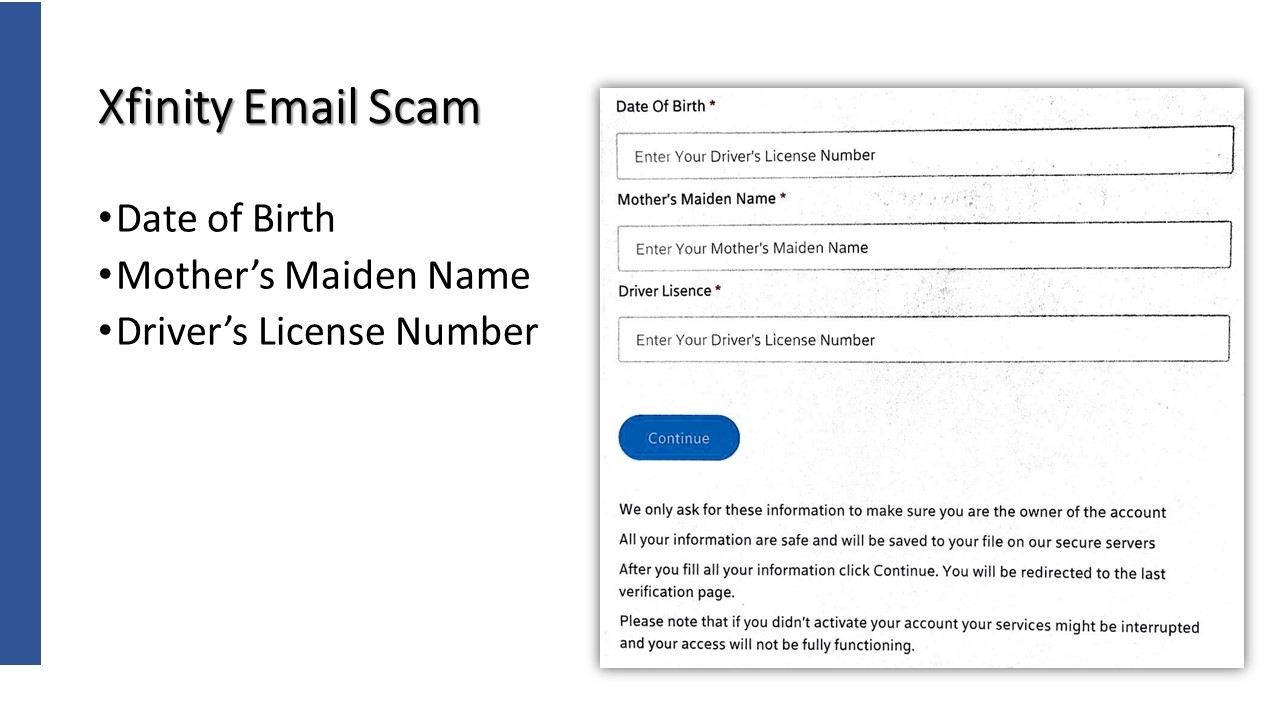
These 3 items are some of the most personal of information used to validate many of your accounts.
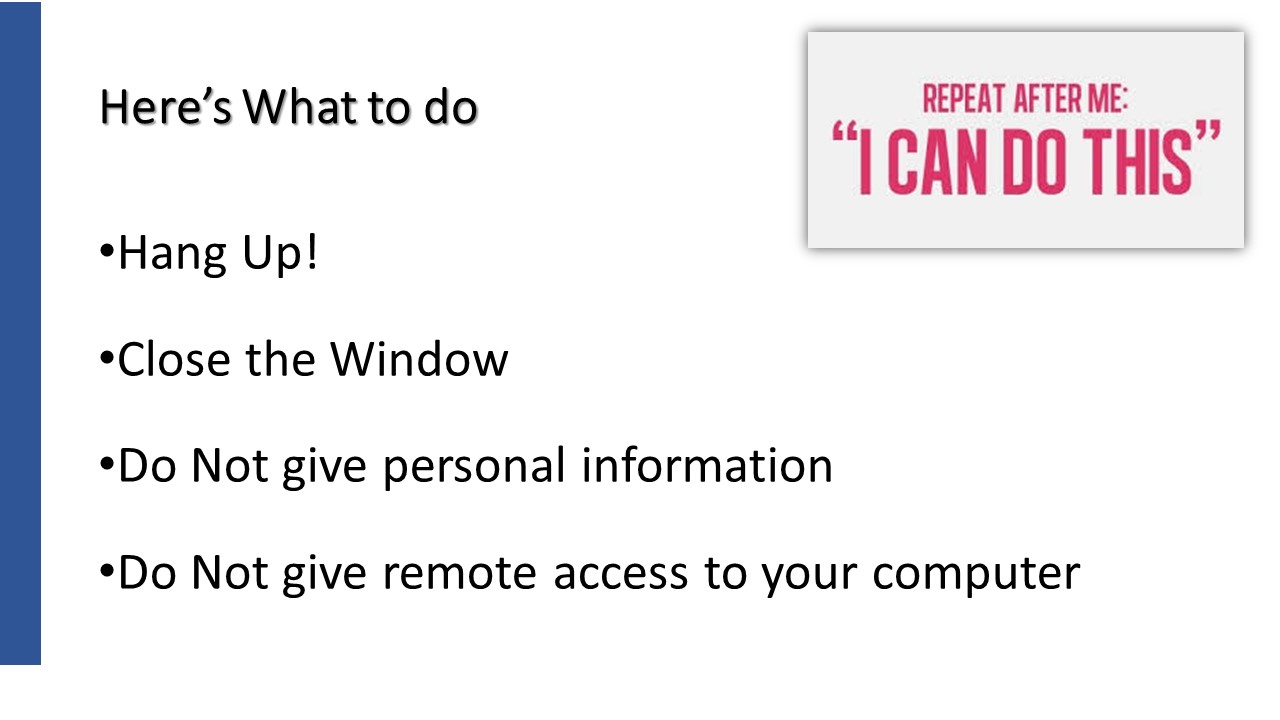
Do NOT share personal information! Back away and go to Xfinitys web site and confirm that your account is still working properly.

Guest Speaker – Aaron Bird from Oakley PC
Presented on May 10, 2018
Attendees: 15
For the second time in as many years Aaron Bird, owner and Lead IT Consultant of Oakley PC, shared his thoughts and recommendations for personal computer users like ourselves.
Oakley PC Aaron Bird Presentation




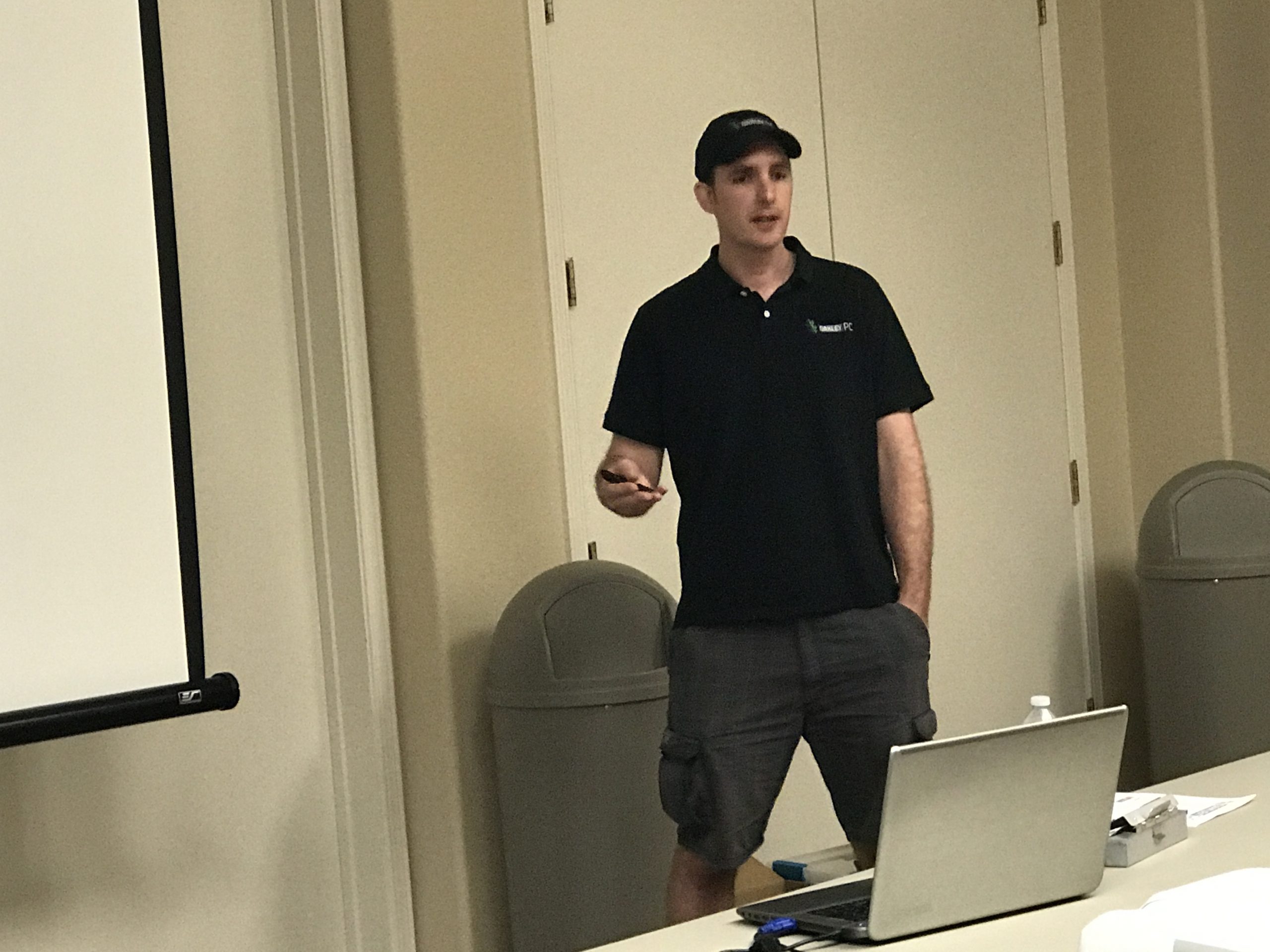


One such custom procedure creation is this use of the Snipping program included from free with windows. Take a look.


OK, a bit of humor here. Nice touch Aaron.
